CFM-BL10Pro General instruction manual
38 / 87
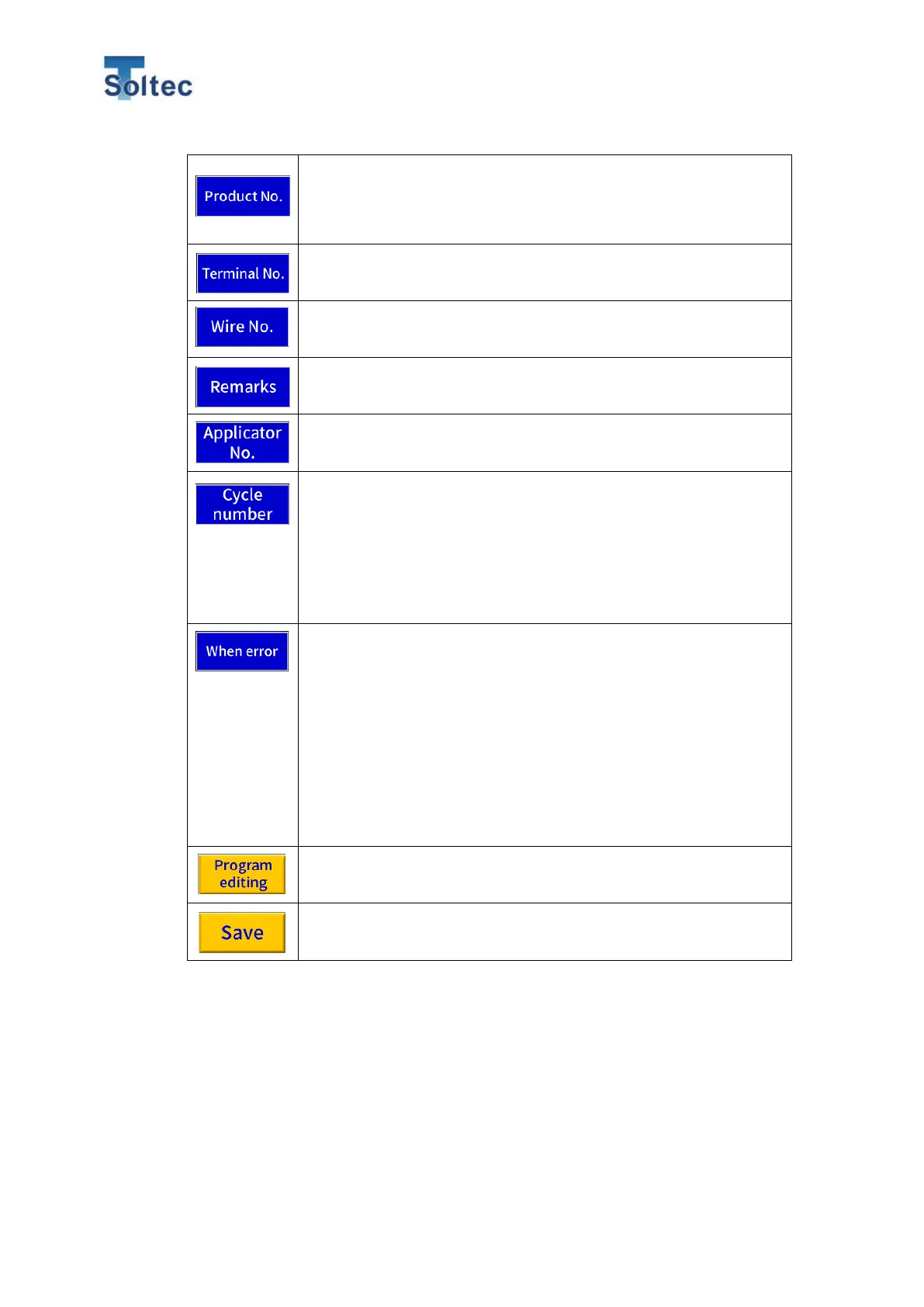
Register Program name or number. Touch an input frame and the
keyboard screen appears. Maximum 20 alphanumeric characters
are registered. However, Maximum 10 characters can be
displayed in the Program List.
Register terminal name or number.
Register wire name and number.
Register applicator name and number.
In Cycle crimp function, in order to handle an item with different
crimping conditions in the middle of a continuous crimping such
as Multi-core cable and flat cable in one same product, CFM can
save maximum 32 referenced force curves. By touching the
number frame, the numeric keypad screen appears. (Initial value
= 1)
*The order of crimping has to be the same every cycle.
When Cycle number is more than 2, CFM has fur error options.
- Fr. Current : CFM starts judgement from a current sample.
- Skip : CFM skips a current sample and starts judgment from the
next sample.
- Select : Whenever an error happens. The pop-up menu appears
and you can select among Fr.Current/Skip/From first/ .
- From first : CFM starts judgement from the first sample.
Return to the previous Program editing screen without saving
settings.
CFM saves the entered and changed contents and returns to the
Program List screen.



 To Next Page