CFM-BL10Pro General instruction manual
40 / 87
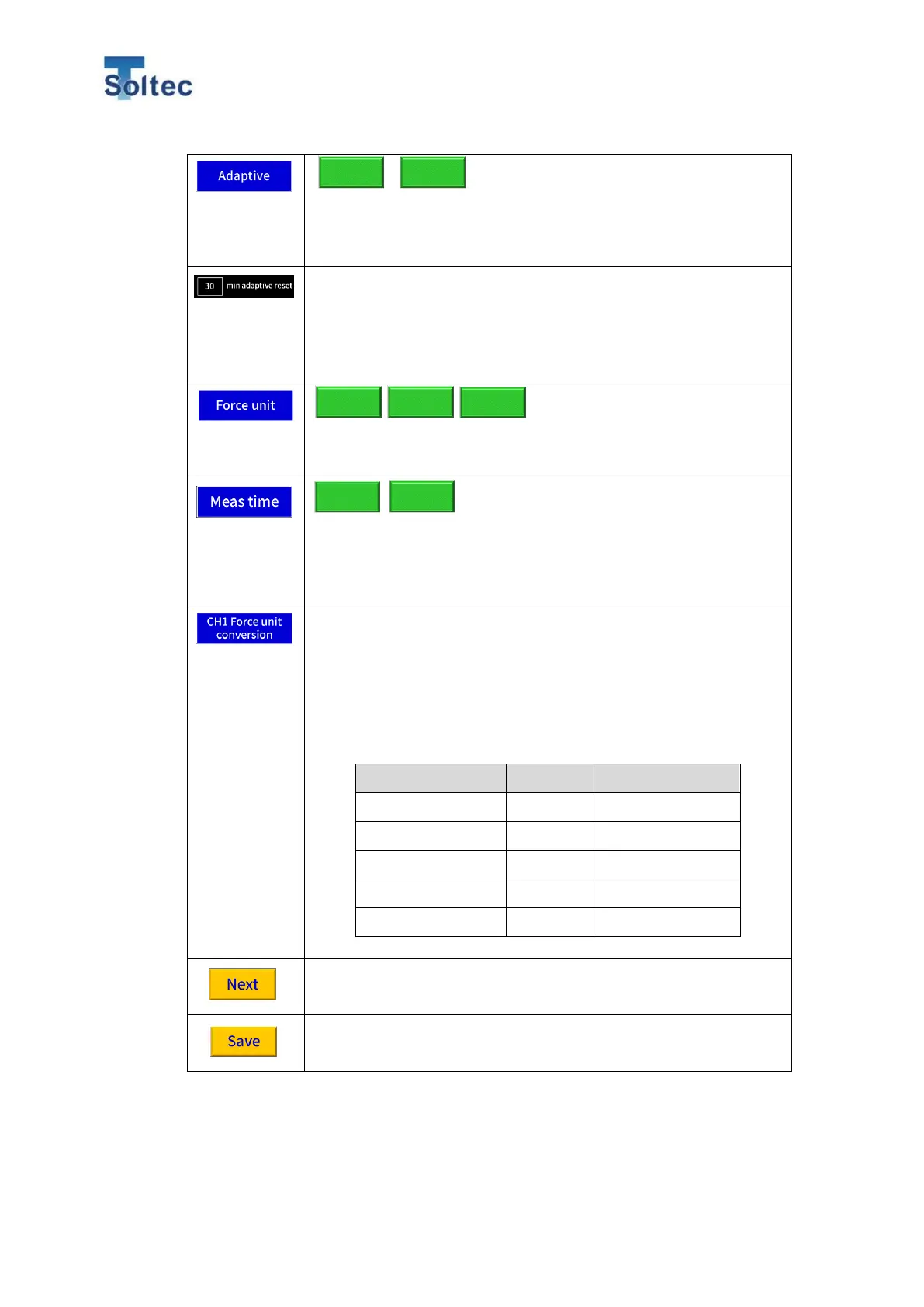
ON: Reference force curve is recalculated every 10 good
samples.
OFF: The initial reference force curve is used.
Refer to the page below for the details.
Time to monitor machine stop can be set when Adaptive function
is ON. When Adaptive function is disabled, this function is
disabled nether.
Touch the number frame to open the numeric keypad. Initial
value is 10.
Unit for load is selected. Value can be automatically converted
according to the unit. Initial unit is kN.
Maximum measurement time can be selected. Select 10-
100mSec for a normal manual press. Select 50-500mSec for a
press machine with a slow crimping speed and long crimping
time.
Initial setting is 10-100mSec.
When FTW sensor is used, set a value to convert an output
voltage (mV) to a load (kg). Select an appropriate kg value which
is displayed when a sensor outputs 1000mV. Set a
recommended conversion value according to a model of the
sensor.
*This conversion value cannot be used for PSS sensor because
the PSS sensor does not detect a load.
The content inputted or changed can be saved.



 To Next Page