Vertiv™ | Liebert® STS2/PDU
™
User Manual | Rev. 6 | 10/2017 104
To manually restart the Liebert STS2/PDU:
a. Select SOURCE TRANSFER from the MENU bar. The SELECT PREFERRED SOURCE window is displayed.
b. Select Source 1 or Source 2 as your preferred source. The unit will restart.
14. Select a setting for the I-PEAK RESET.
• Select AUTO to configure the Liebert STS2/PDU to automatically reset when a fault clears and the voltage and current
are normal.
• Select MAN to require a manual reset of the Liebert STS2/PDU when fault clears and the voltage and current are
normal.
• The default setting is Manual.
PDU Setpoints
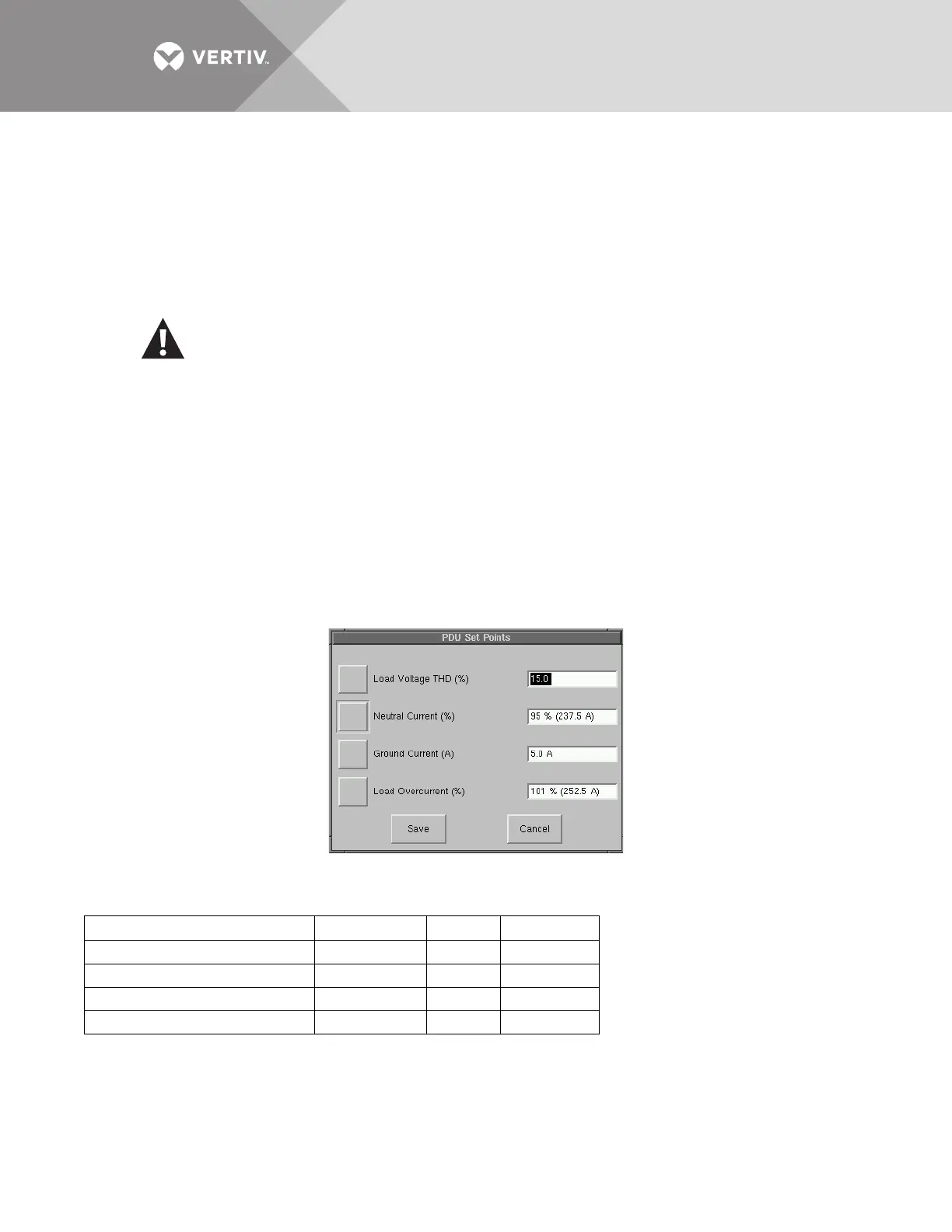
The PDU Setpoints option allows you to configure the following parameters for the PDU, shown in Figure 68.
• Load Voltage THD (%)
• Neutral Current (% of nom)
• Ground Current (A)
• Load Bus Overcurrent (% of nom)
Figure 68 PDU setpoints
Table 19 shows the range of valid values, default values and resolution for each parameter.
CAUTION
Risk of equipment damage and personal injury.
Use of Auto Restart is site-specific. Do not enable auto restart unless the infrastructure is designed for
unattended operation and there is no chance of equipment or personnel harm by automatic re-
energizing of the system.
Consult with your Liebert site engineer as to whether Auto restart should be enabled.
Table 19 PDU setpoints
Button Range Default Resolution
Load Voltage THD (%) 3.0% to 99.9% 15.0% 0.1
Neutral Current (% of nom) 10% to 200% 95% 1
Ground Current (A) 1.0A to 50.0A 5.0A 0.1
Load Bus Overcurrent (% of nom) 50% to 100% 100% —



 To Next Page