Vertiv™ | Liebert® STS2/PDU
™
User Manual | Rev. 6 | 10/2017 100
Event Masks
The Liebert STS2/PDU gathers, processes and reports faults and alarms, collectively referred to below as events.
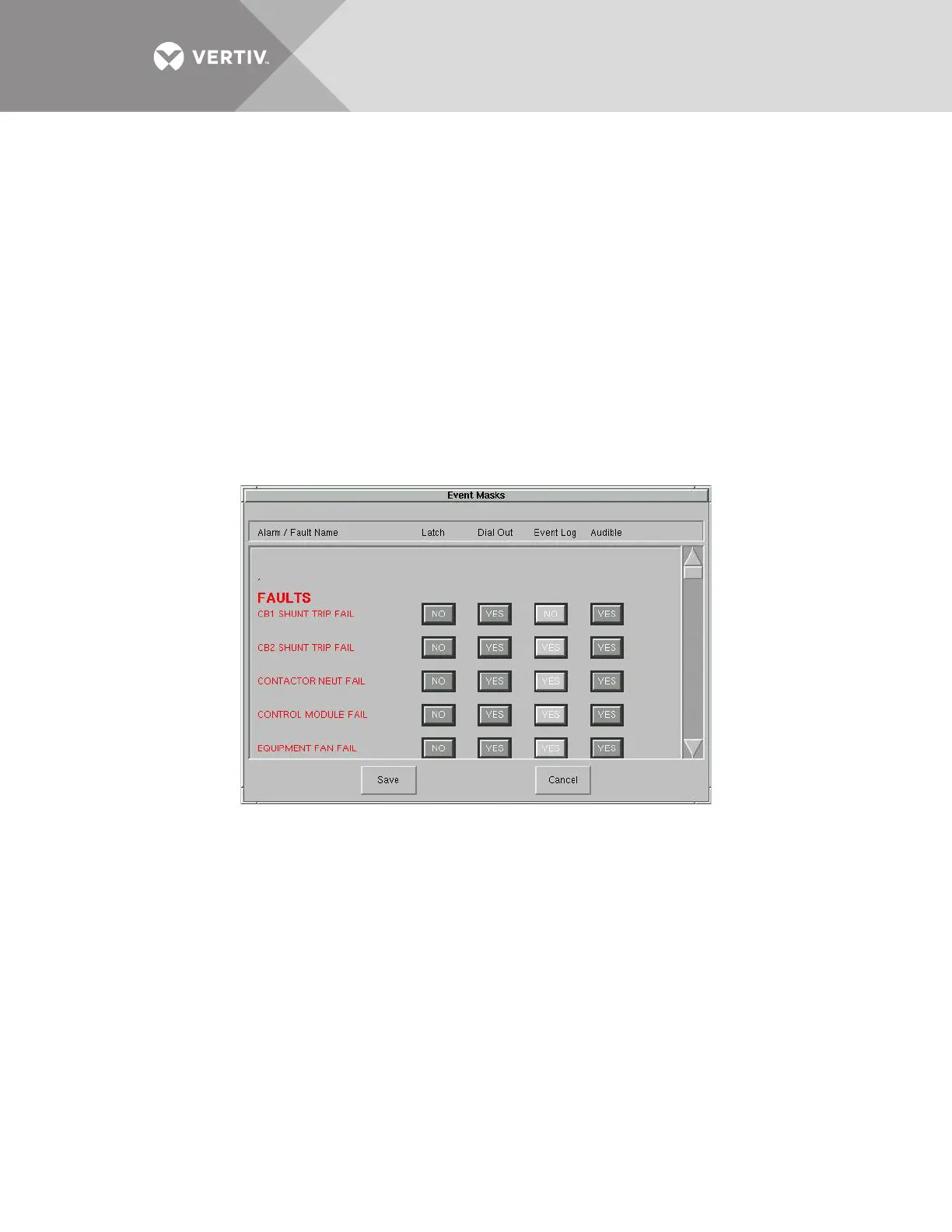
The Event Mask dialog box allows you to set the system’s response for specific alarms and faults that are
generated. See 11.0 - Alarms and Faults for more information on events and 11.1 - Event Mask for the definitions
of the Event Mask types.
To set the event masks:
1. Access the Event Mask dialog box:
a. Select CONFIG.
b. Select EVENT MASK from the pop-up menu.
The Event Mask dialog box is displayed. See Figure 65.
2. Select the mask settings for each fault and alarm.
a. Select YES to enable the setting,
OR
b. Select NO to disable the setting.
3. Select SAVE to keep the settings.
Figure 65 Event Mask dialog box



 To Next Page