Vertiv™ | Liebert® STS2/PDU
™
User Manual | Rev. 6 | 10/2017 101
User Settings
The User Settings choice allows you to adjust the user-accessible switch settings. Access is limited to qualified
personnel via system security.
To access the User Settings dialog box:
1. Select CONFIG.
2. Select USER SETTINGS from the pop-up menu.
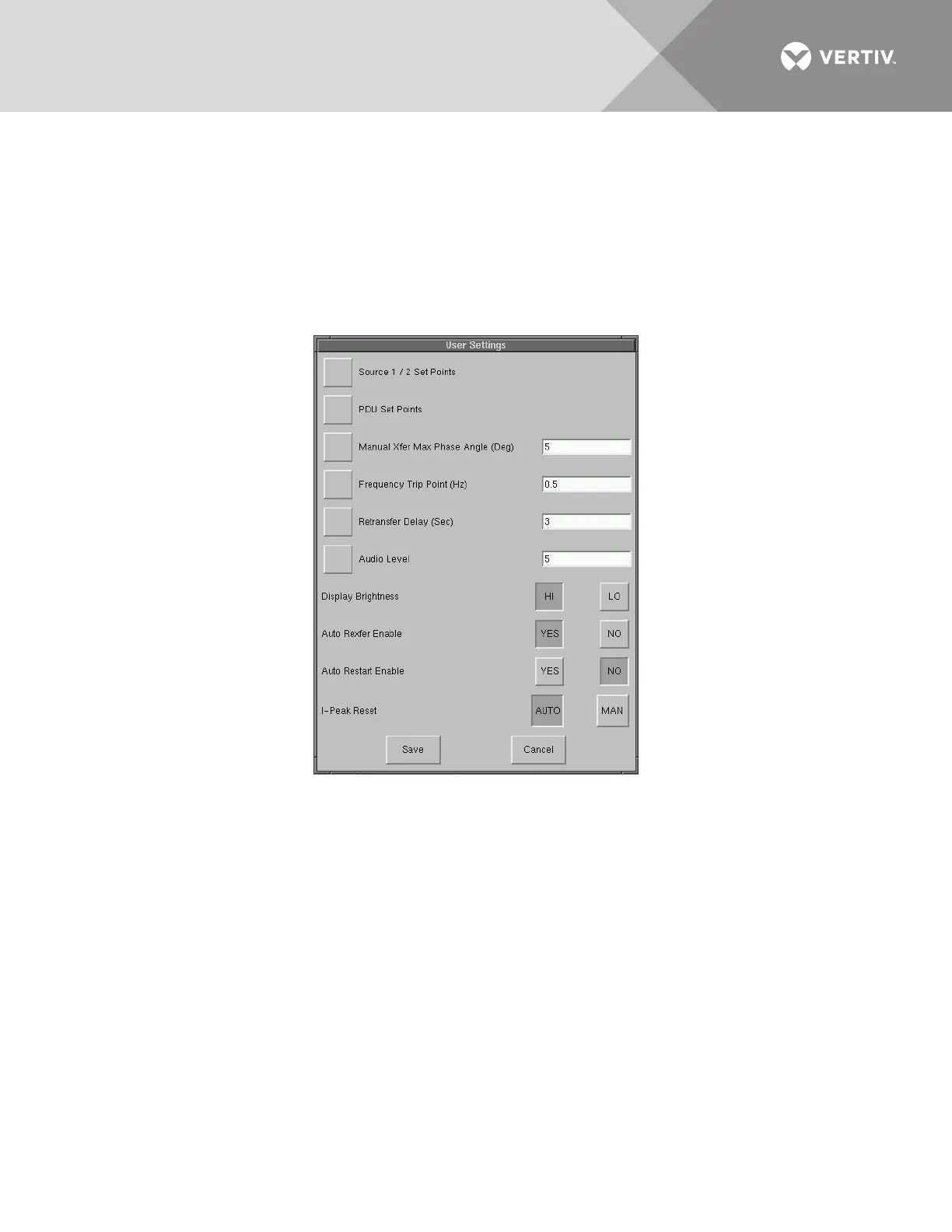
The User Settings dialog box is displayed. See Figure 66. The top six buttons access a series of secondary dialog boxes to
configure the various settings.
Figure 66 User settings dialog box



 To Next Page