E-4 Videojet DataFlex 6530 Service Manual - Rev AA
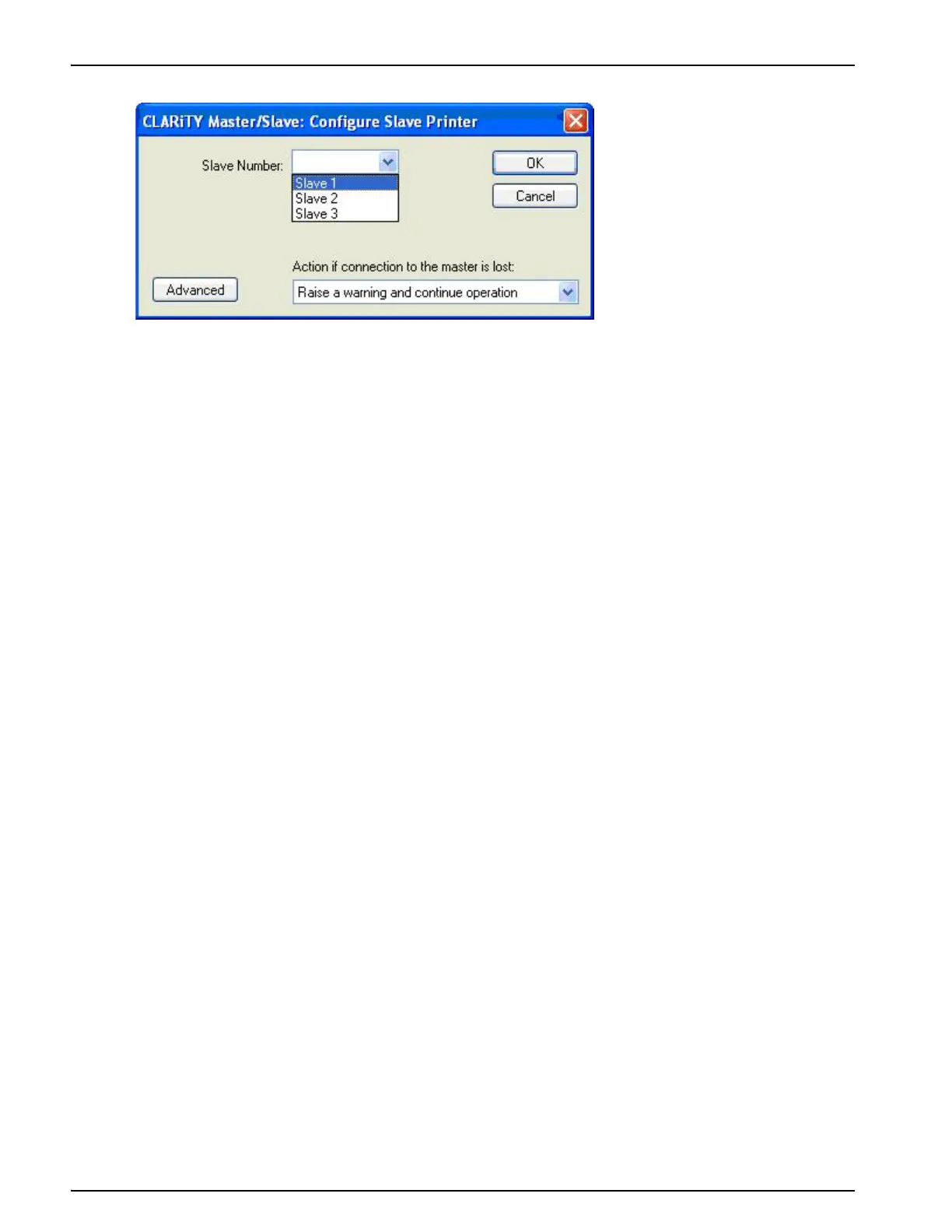
3. Select the Slave number (One, Two or Three) from the drop-down list (Figure E-3).
Note: If less than three Slaves are to be used, they must be numbered consecutively starting with
'One' (it is not permissible to have two Slave printers numbered One and Three).
Slave printers connected to the same network require individual Slave numbers.
4. Select the option to be taken in the event of communication failure between the Master
printer and Slave printer from the drop-down list.
The three options available are:
- No Action (ignore the condition)
- Raise a Warning message and continue operation
- Raise a Fault message and suspend operation (stop printing)
Figure E-3: Configure Slave Printer



 To Next Page