Videojet DataFlex 6530 Service Manual - Rev AA E-5
5. Touch OK to configure the Slave printer.
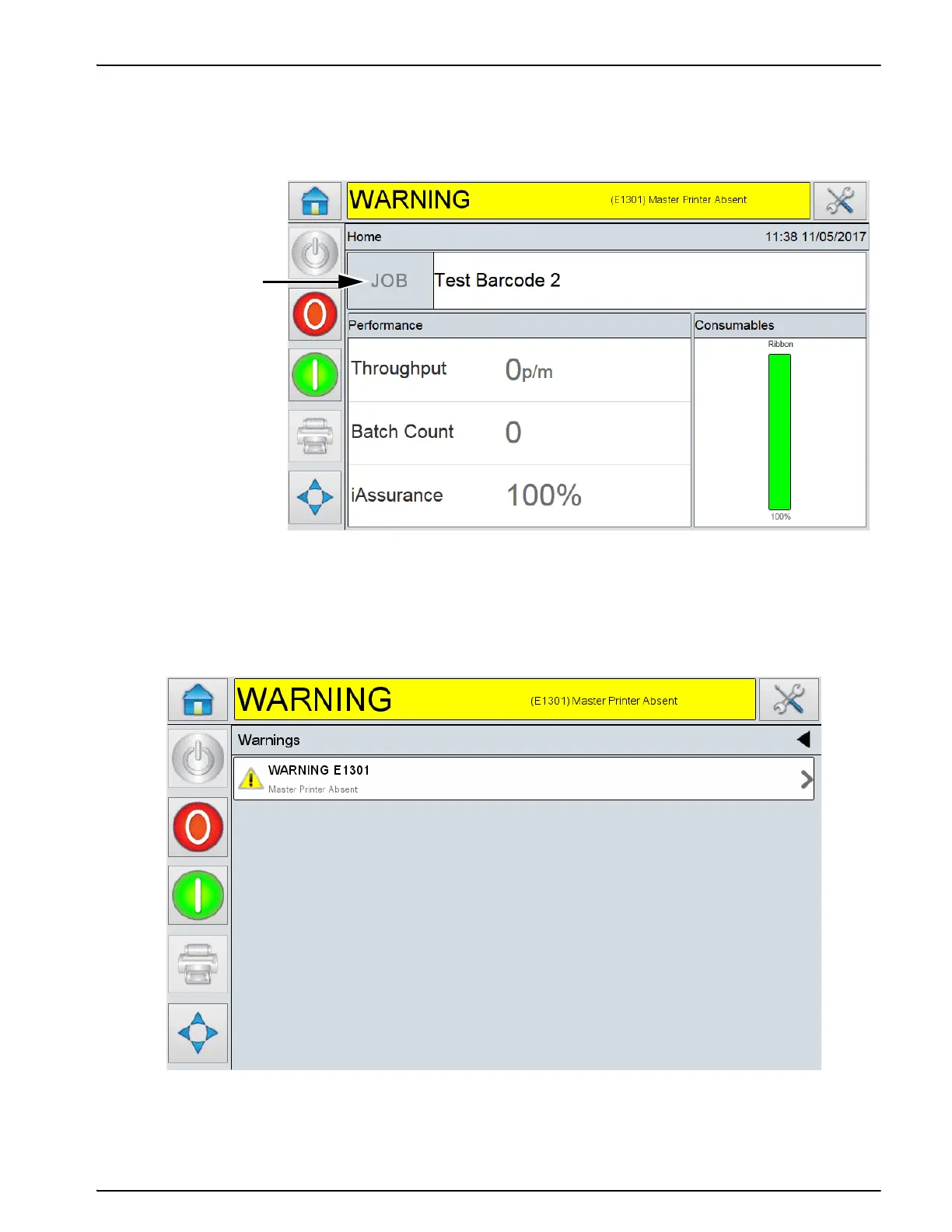
Once the slave printer is configured, on a Standard Videojet DataFlex 6530 Printer, the 'JOB'
button on the screen of CLARiTY is disabled (greyed out) as shown in Figure E-4.
After a short period of time the Slave printer may raise a Warning or Fault message
(depending on the setting you chosen in 'Action if connection to the Master is lost') to
indicate that the Master printer is absent, as shown in Figure E-5.
Figure E-4: CLarity Home Screen
Disabled
Job Button
Figure E-5: Warning Message



 To Next Page