Videojet DataFlex 6530 Service Manual - Rev AA F-9
To export Event Log
a.
Navigate to Tools > Diagnostics > Printhead > Event Log (Figure F-6 on page F-6).
b. Select Export to USB.
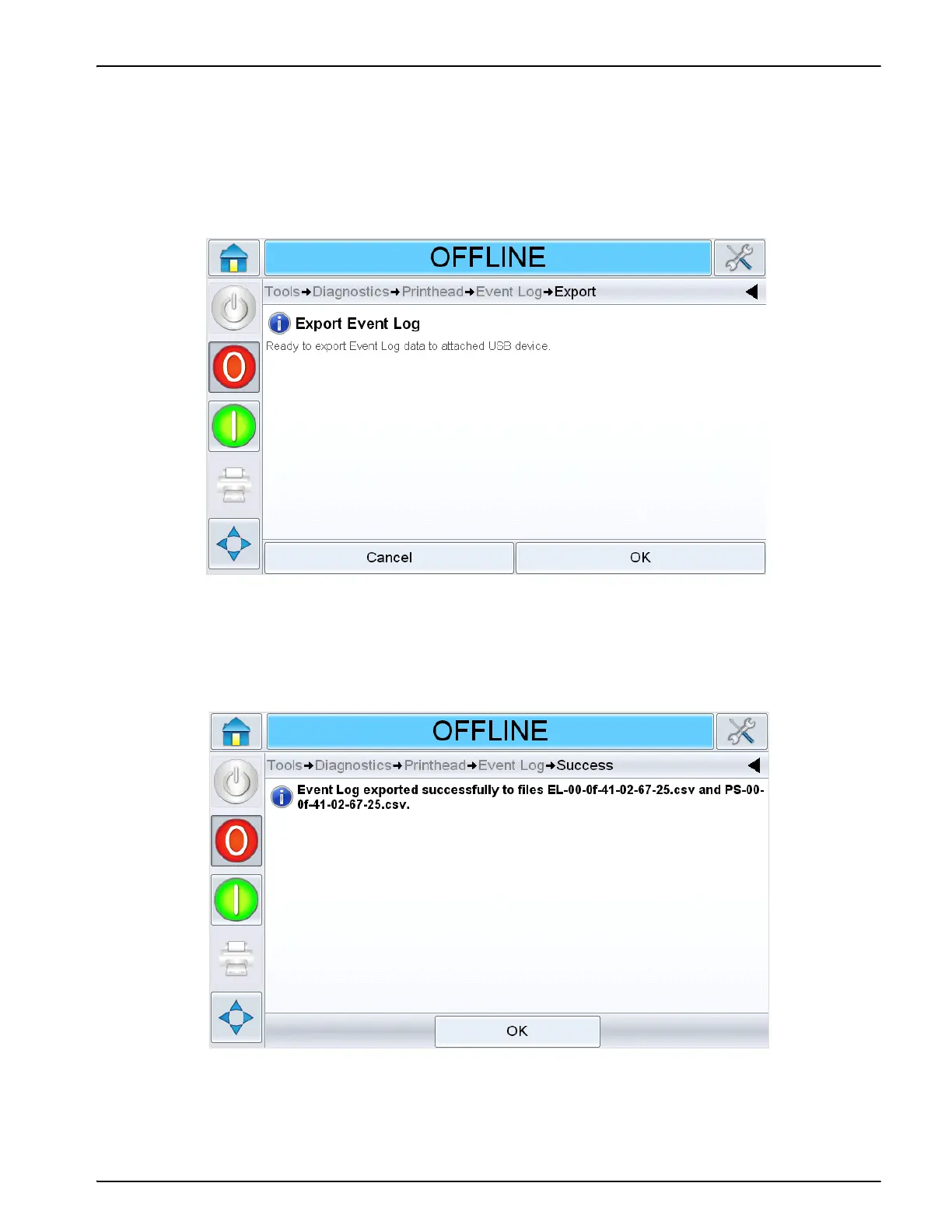
c. Confirmation page will be displayed (Figure F-10).
d. Select OK.
e. On completion, success page will be displayed.
f. Select and remove the USB stick.
Figure F-10: Export Event Log Confirmation
Figure F-11: Export Success



 To Next Page