Videojet DataFlex 6530 Service Manual - Rev AA 4-19
Installation
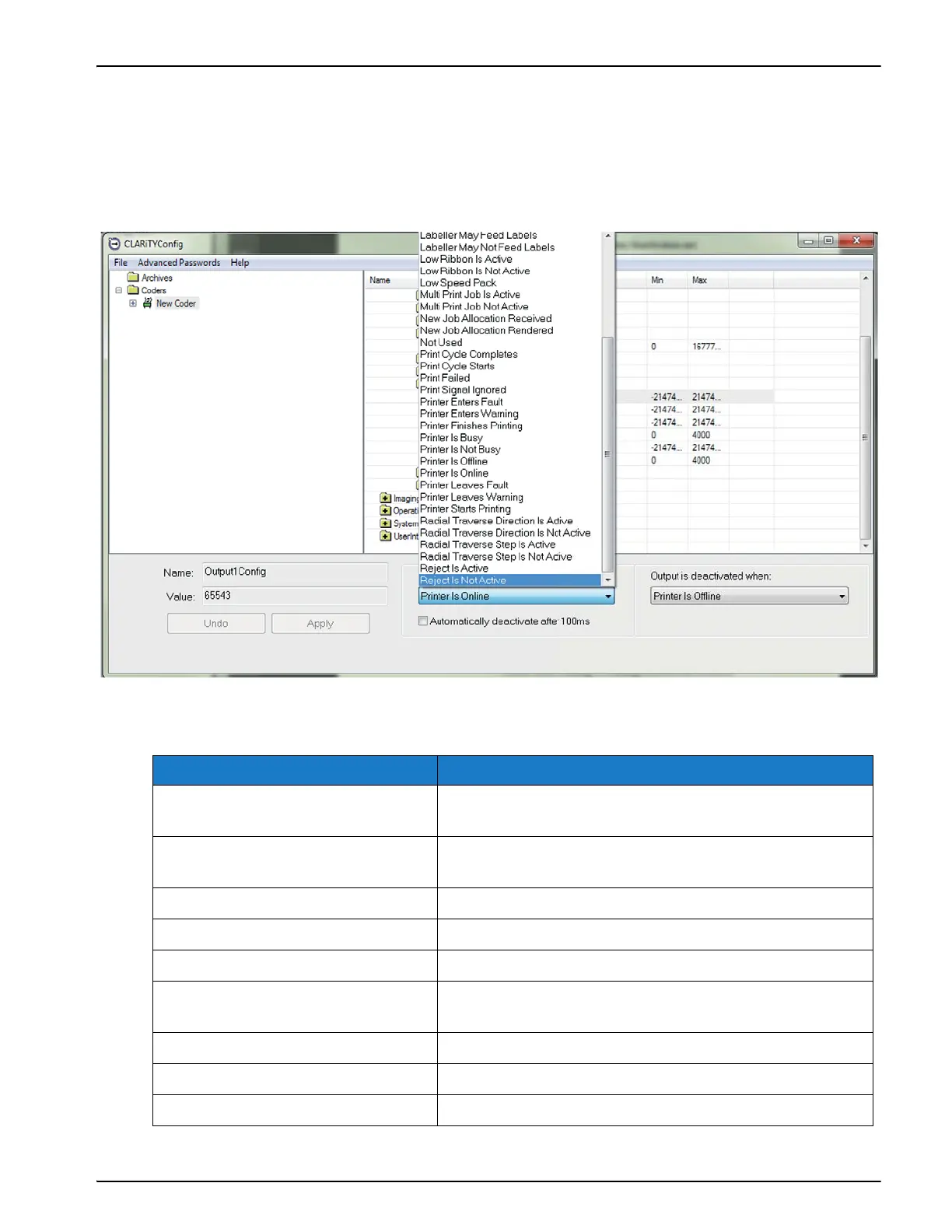
4. Select the event that you wish to activate or deactivate the output and click the radio box if
you wish the output to be latched high/low or to operate as a 100 ms pulsed signal upon
activation.
5. Click Apply to save the settings.
The available options for activation/deactivation are as shown in Figure 4-20:
Options Description
Job Allocation Aborted Refer to Section 4.10 Working with Print Allocations on
page 4-23
Job Allocation Complete Refer to Section 4.10 Working with Print Allocations on
page 4-23
Job is Active The current job is in progress
Job is Not Active The current job is not in progress
Job Updated Queue Is Empty The jobs queue is empty
Job Updated Queue Is Full The maximum permitted number of jobs in the queue
has been reached
Job Updated Queue Is High The number of jobs in the queue is high
Job Updated Queue Is Low The number of jobs in the queue is low
Job Updated Queue Is Not Empty The jobs queue is not empty
Table 4-3: External Output Options
Figure 4-20: External Outputs



 To Next Page