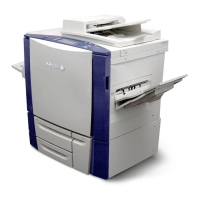
Collating copies
1. Load an original document into the ADF tray or on the scanner glass.
2. From the control panel, navigate to:
CCooppyy >> CCoollllaattee >> OOnn [[11,,22,,11,,22,,11,,22]].
3. Copy the document.
110
Xerox
®
C315 Color Multifunction Printer User Guide
Copy



 To Next Page