MMEENNUU IITTEEMM DDEESSCCRRIIPPTTIIOONN
• View Log • License Status
Scan Center
• Stop
• Configure
• View Log
• Description: Scan a document once and
automatically route the image to one or more
selectable destinations.
• Version
• License Status
Scan Center — E-mail
• Stop
• Configure
• View Log
• Plug-in for Scan Center that allows scanned images
to be sent as e-mail.
• Version
• License Status
Scan Center — Fax
• Stop
• Configure
• View Log
• Description: Plug-in for Scan Center that allows
scanned images to be sent as faxes.
• Version
• License Status
Scan Center — Network Folders
• Stop
• Configure
• View Log
• Description: Plug-in for Scan Center that allows
scanned images to be saved to network folders.
• Version
• License Status
Scan Center — Printer
• Stop
• Configure
• View Log
• Description: Plug-in for Scan Center that enables
scanning and printing of documents.
• Version
• License Status
Shortcut Center
• Stop
• Configure
• View Log
• Description: Create personalized copy, fax and e-mail
shortcuts on the touch screen to simplify common
tasks.
• Version
• License Status
262
Xerox
®
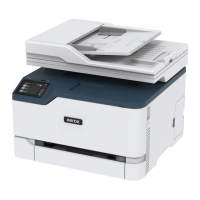
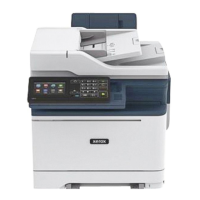
C315 Color Multifunction Printer User Guide
Use the Printer Menus


 To Next Page