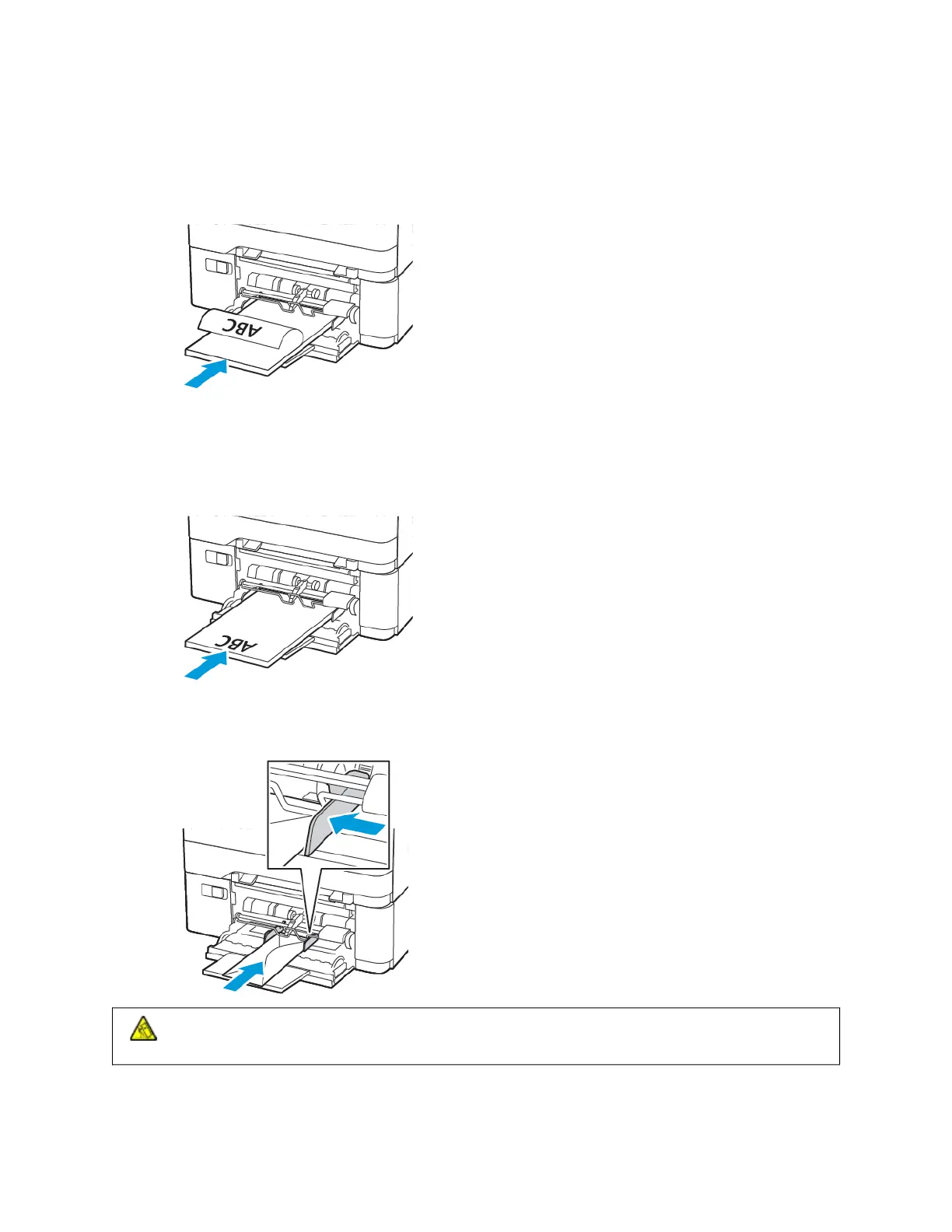
4. Load paper with the printable side facedown.
• Load letterhead with the printable side face down and the top edge entering the printer first for one-sided
printing
• Load letterhead with the printable side face up and the top edge entering the printer last for two-sided
printing
• Load envelopes with the flap side up and against the right side of the paper guide
CCAAUUTTIIOONN——TTIIPPPPIINNGG HHAAZZAARRDD:: Do not use envelopes with stamps, clasps, snaps, windows, coated
linings, or self-stick adhesives.
5. From the control panel, set the paper size and paper type to match the paper loaded.
66
Xerox
®
C315 Color Multifunction Printer User Guide
Set up, Install, and Configure



 To Next Page
 Loading...









