Copy
Xerox
®
WorkCentre
®
5022/5024 Multifunction Printer
User Guide
5-2
Supported documents types (weights)
Documents with weights from 38 to 128 gsm (50 to 128 gsm for 2-sided documents) can be placed in
the document feeder and scanned.
The document feeder accepts the following number of sheets.
Note To avoid paper jams, use the document glass for mixed size, folded, wrinkled, cut-and-pasted
documents, curled paper, or carbon-backed paper. If you can flatten the curled document, you can use
it.
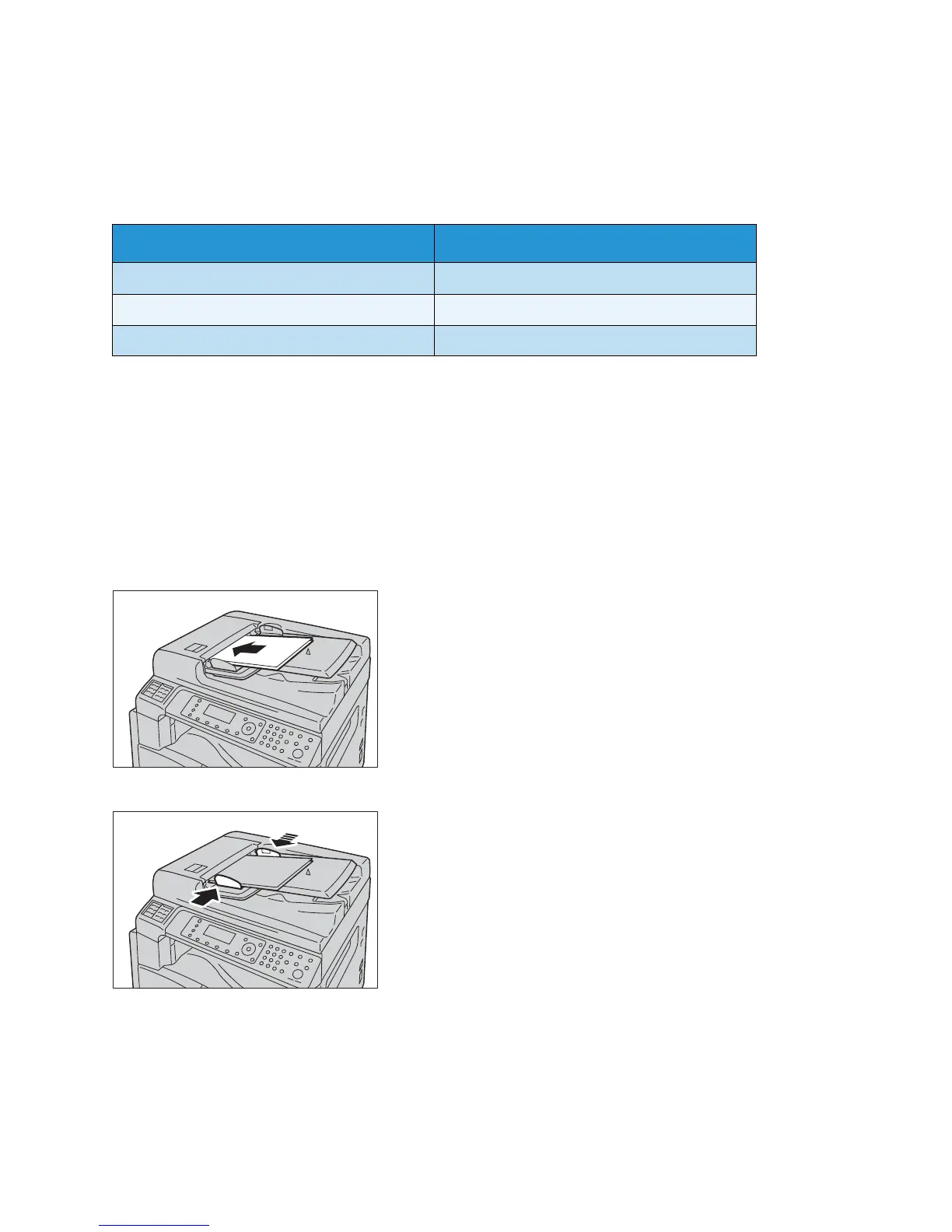
Follow the steps below to place documents in the document feeder.
You can place single or multiple sheet documents.
1. Remove any paper clips or staples from the document before placing it in the document feeder.
2. Place the document in the center of the document feeder, with the side to copy (or the front
surface of a 2-sided document) facing up.
3. Align the document guides to each side of the document.
Document type (gsm) Number of sheets
Lightweight (38 to 49 gsm) 110 sheets
Plain (50 to 80 gsm) 110 sheets
Heavyweight (81 to 128 gsm) 75 sheets



 To Next Page
 Loading...







