112
Communicating with a Specific Remote Station
Using the Tone Squelch Function
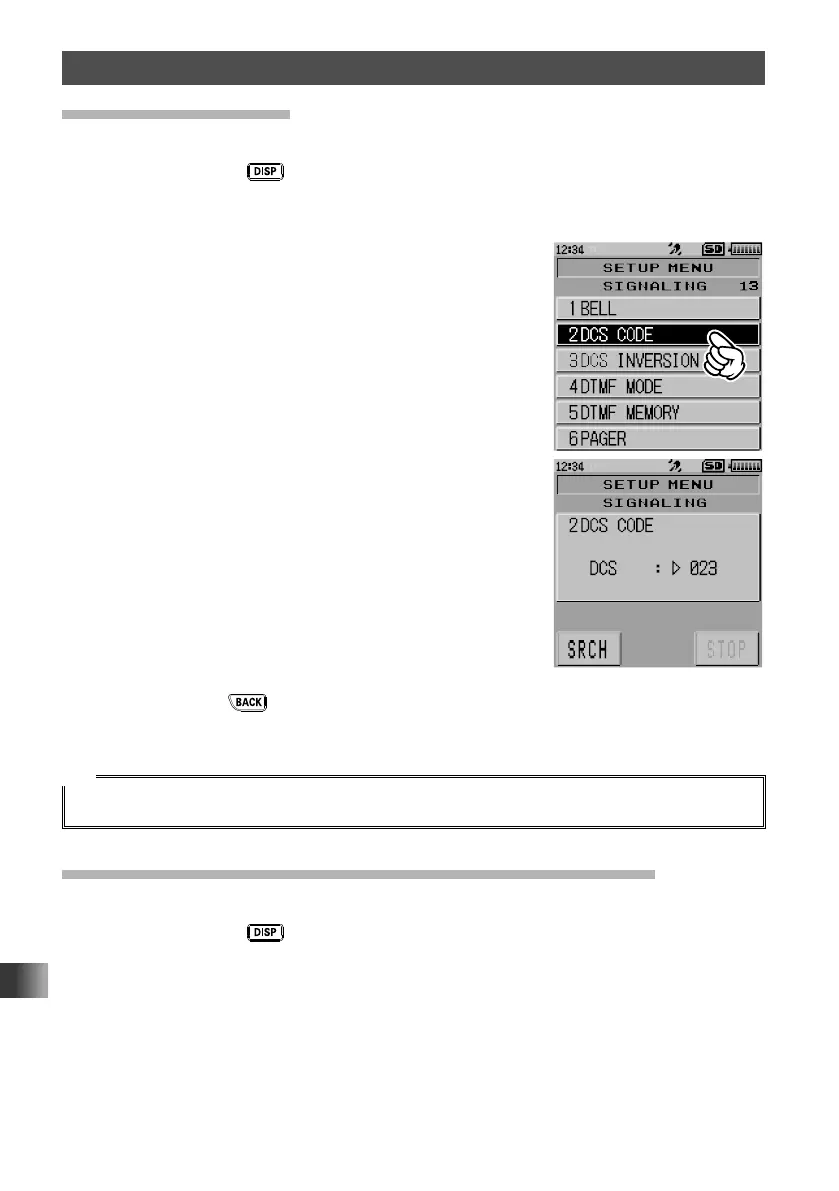
Setting the DCS Code
The DCS code can be selected from 104 types (from 023 to 754).
1 Press and hold the key for over one second.
The transceiver enters Set mode.
2 Touch [SIGNALING].
3 Touch [2 DCS CODE].
4 Rotate the DIAL to select the desired DCS code.
5 Gently press the key 3 times.
The DCS code is set and the transceiver exits from Set mode.
Tip
The default setting is [023].
Searching for the DCS Code Used by the Remote Station
Search and display the DCS code used by the remote station.
1 Press and hold the key for over one second.
The transceiver enters Set mode.
2 Touch [SIGNALING].
3 Touch [2 DCS CODE].



 To Next Page