154
Customize Menu Settings for Individual Use (Set Mode)
Set Mode: SD CARD Menu Operations
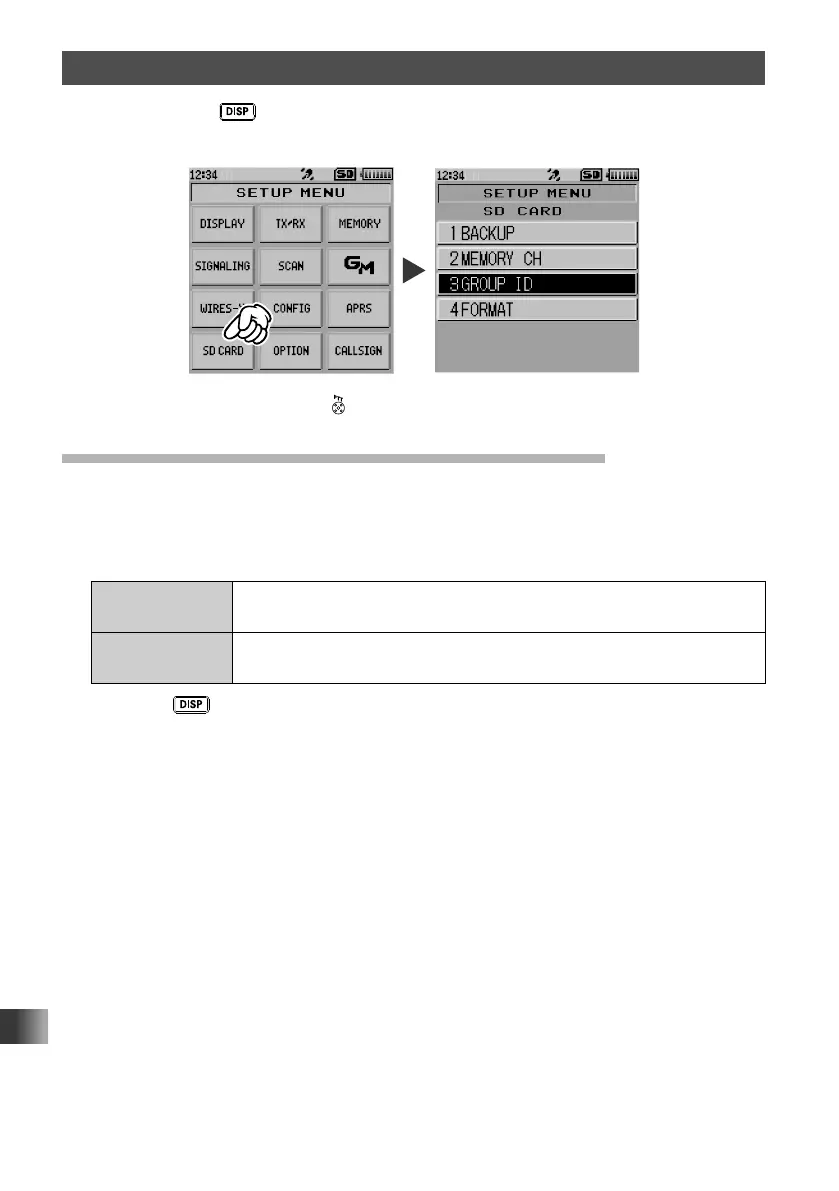
Press and hold the key for over one second to display “SETUP MENU”, then touch
[SD CARD] to set the individual items.
After completing the setup, press to exit from Set mode.
Saving/Loading Data to/from microSD Memory Card
Settings information can be saved to a microSD memory card, also the saved information
can be loaded to the transceiver.
1 Rotate the DIAL, then touch [1 BACKUP].
2 Rotate the DIAL to select the operation to be performed.
Write to SD Saves the transceiver setting information to a microSD memory
card.
Read from SD Loads the information to the transceiver from a microSD memory
card.
3 Press the key.
A pop-up window appears on the LCD.
4 Touch [OK].
5 Touch [OK] again.
When [Write to SD] is selected and data writing completes, a beep sounds and
“COMPLETED” appears on the LCD.
When [Read from SD] is selected and data reading completes, a beep sounds, then
the transceiver restarts with the settings read from the microSD memory card applied.



 To Next Page