79
Memory Channel Scanning
Scanning the Memory Bank
Only the memory channels in the recalled memory bank can be scanned.
1 Press the key to enter Memory mode.
2 Touch [F MW].
3 Touch [BANK].
4 Press the key.
5 Rotate the DIAL to select the desired memory bank from
BANK 1 to BANK 24.
6 Press the key.
7 Touch [F MW].
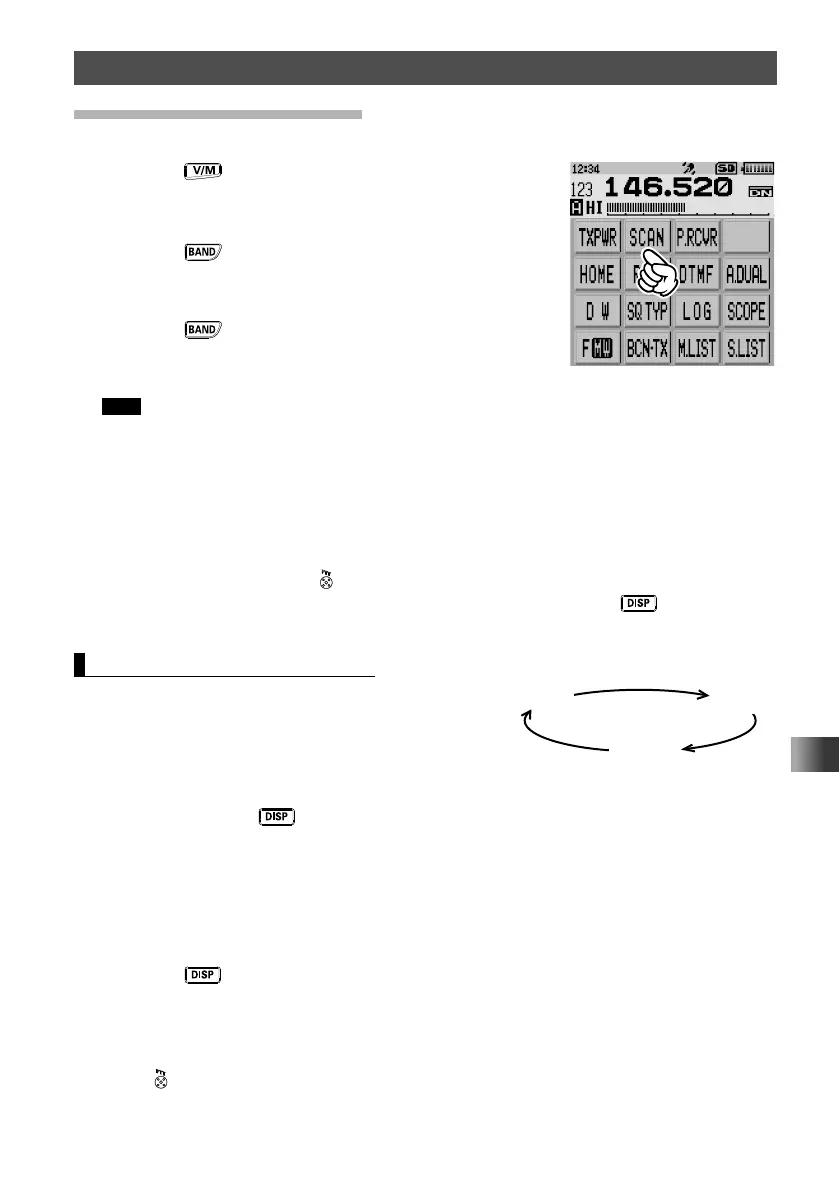
8 Touch [SCAN].
Tips • Scanning is performed toward the higher memory channel numbers.
• Rotate the DIAL clockwise: Scanning is performed toward the higher memory channel numbers.
Rotate the DIAL counterclockwise: Scanning is performed toward the lower memory channel
numbers.
• When a signal is received during scanning, scanning stops for 5 seconds and this frequency is
received.
• When scanning is suspended, the decimal point blinks and the LCD stays lit.
• After receiving the frequency for 5 seconds, scanning resumes.
• To stop scanning, press
.
• You can select the range for scanning by pressing and holding the
key for over one
second to enter Set mode, then selecting [SCAN] → [5 SCAN WIDTH].
Memory Bank Link Scanning
During regular memory bank scanning, only the
memory channels assigned to the recalled memory
bank are scanned. During memory bank link scanning,
you can scan memory channels registered in two or
more banks you specified in advance.
1 Press and hold the key for over one second.
The transceiver enters Set mode.
2 Touch [MEMORY].
3 Touch [1 BANK LINK].
4 Rotate the DIAL to select the memory bank for which you want to perform bank link
scanning.
5 Press the key.
☒ is displayed for the selected memory bank and □ is displayed for unselected
memory bank.
6 Repeat steps 4 and 5 to select other memory banks.
7 Press .
The transceiver exits from Set mode.
BANK 1
BANK 10
BANK 24



 To Next Page