64
Using Memory Bank
Assigning Name to Memory Bank
A name can be assigned to a memory bank using up to 16 characters.
The following types of characters can be entered:
• Alphabetic characters (uppercase and lowercase characters)
• Numbers
• Symbols
1 Press and hold the key for over one second.
The transceiver enters Set mode.
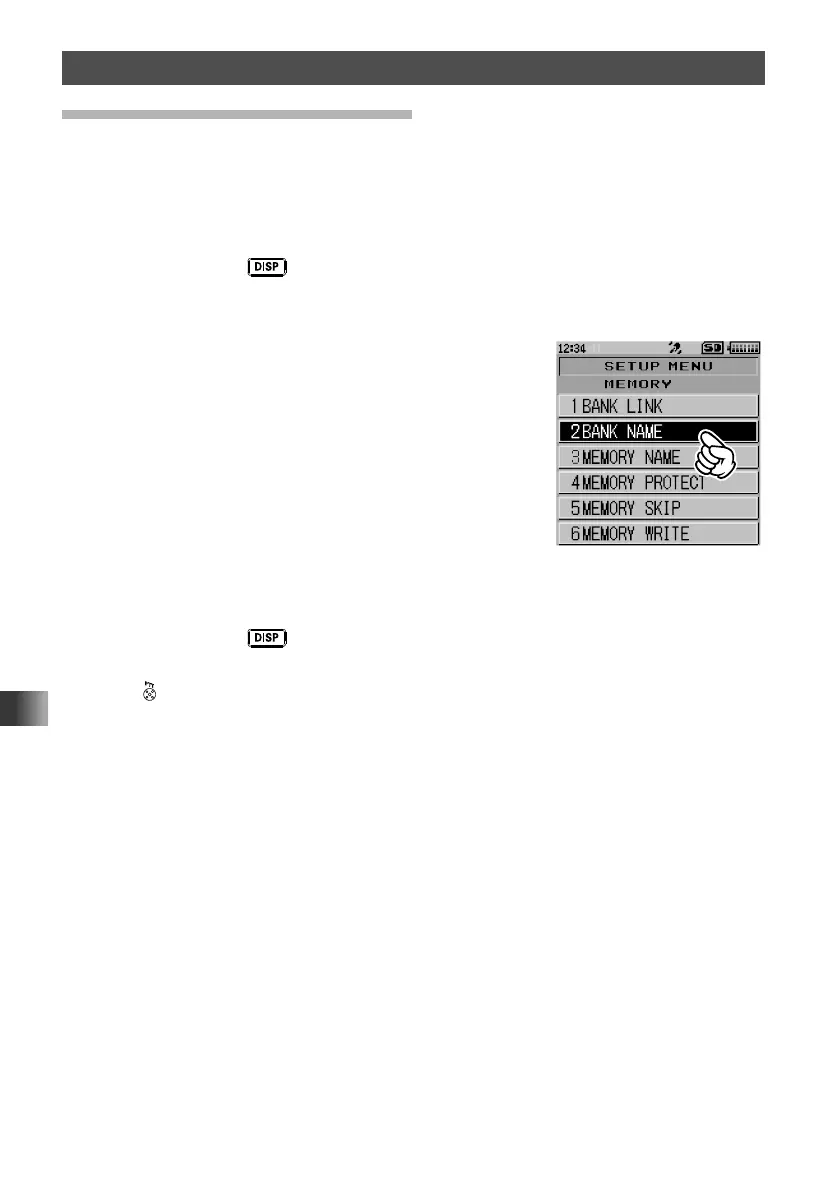
2 Touch [MEMORY].
3 Rotate the DIAL, then touch [2 BANK NAME].
4 Rotate the DIAL to select a memory bank.
Select the number of the memory bank to which you want to assign a name.
5 Press and hold the key
6 Input a bank memory name (See “Entering Letters” on page 19).
7 Press .
The memory bank name is saved, and the transceiver exits from Set mode.



 To Next Page