94
Smart Navigation Function
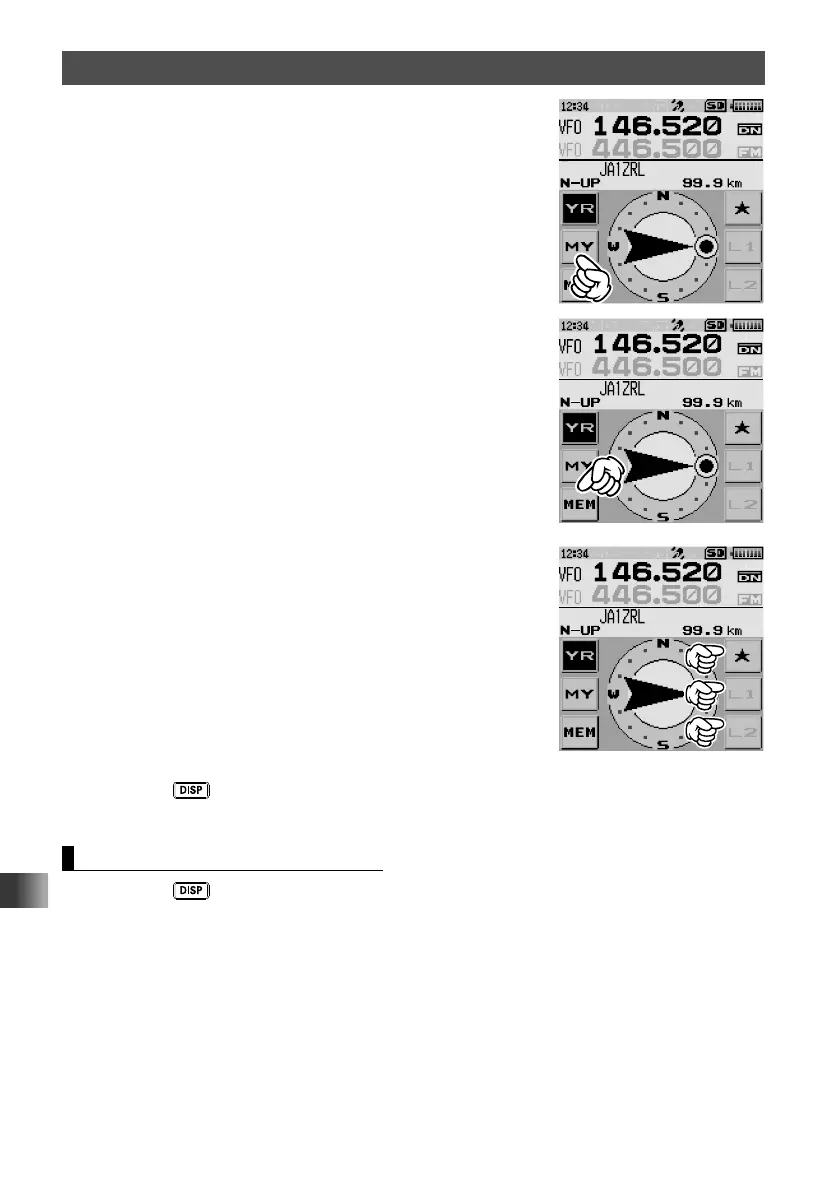
2 Touch [MY].
Your location information is displayed.
3 Touch [MEM].
[★], [L1] and [L2] blink.
4 Touch one of the blinking indicators to which you want to
register the position information.
The location information is registered with the selected
indicator, and the screen returns to the back track
screen.
5 Press the key.
The screen returns to the normal frequency display.
Using the Back Track Function
1 Press the key.
The back track screen appears.
2 Touch the indicator (“★”, “L1” or “L2”) to which you want to register the location
information for back tracking.



 To Next Page