158
Customize Menu Settings for Individual Use (Set Mode)
Set Mode: CALLSIGN Menu Operations
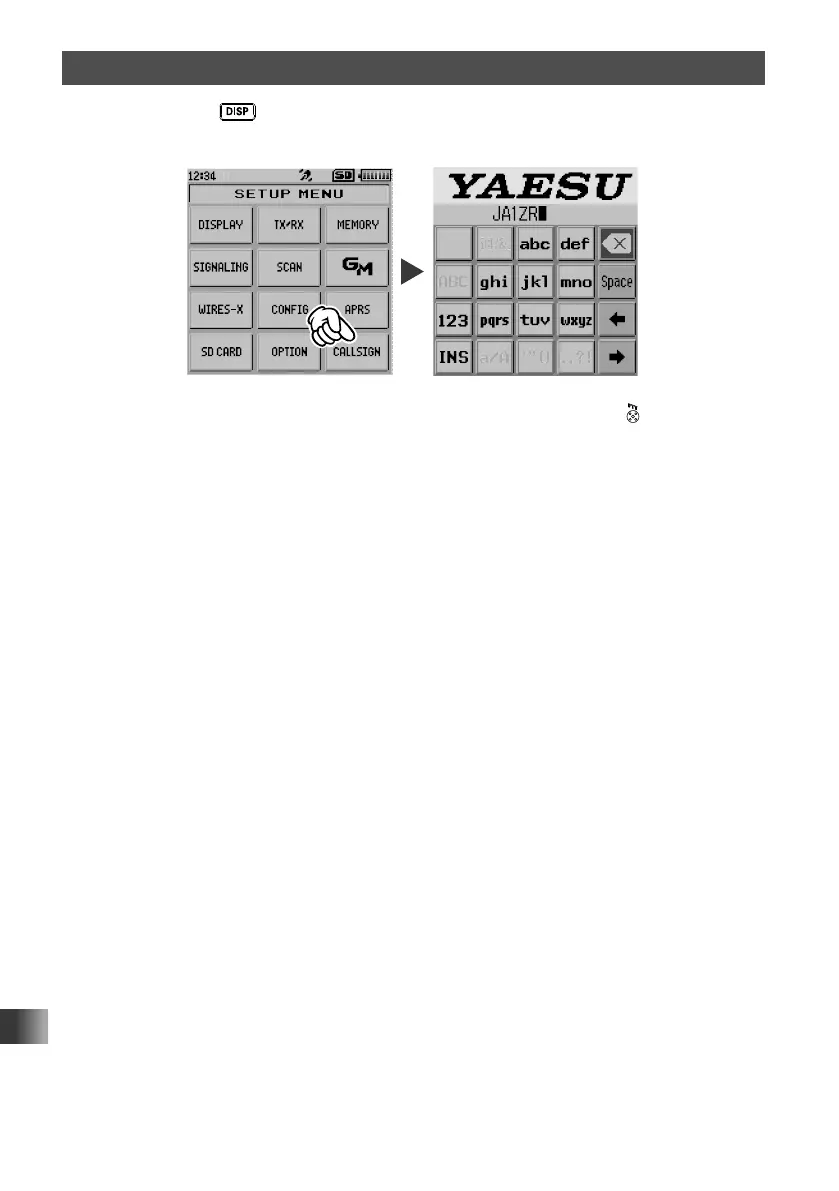
Press and hold the key for over one second to display “SETUP MENU”, then touch
[CALLSIGN] for the call sign setting.
1 See “Entering Letters” on page 19 to input the call sign, then press .
After registering the call sign, the transceiver exit from Set mode.



 To Next Page