57
A Wide Variety of Memory Functions
Recalling a Memory Channel
Recall a registered memory channel by following the steps below.
1 Press the key to enter Memory mode.
The memory channel most recently used appears on the LCD.
2 Rotate the DIAL to select the desired memory channel.
Remark Touching [F MW] and rotating the DIAL allows skipping memory channels quickly in steps
of 10 memory channels.
3 Press .
Memory mode will be exited, and the frequency selected in VFO mode will be
displayed.
Tips
• Unregistered memory channels are skipped.
• By default, memory channel number 1 is used as a dual receive priority memory channel, “P”
appears on the upper right corner of the priority memory channel number (
see page 96).
• The data registered to a memory channel can be transferred to the VFO operating band by following
the procedure below.
Touch [F MW] for over one second. → Touch
→ Touch [V.WRITE]. → “OVERWRITE?”
appears. → Select [OK], then touch [OK] to confirm.
• The transceiver may be placed into a Memory Channel Only mode, (which restricts the FT2DR/DE
operation to memory channels only), by pressing
, while pressing to turn the transceiver
on.
To cancel the Memory Channel Only mode, press
, while pressing again.
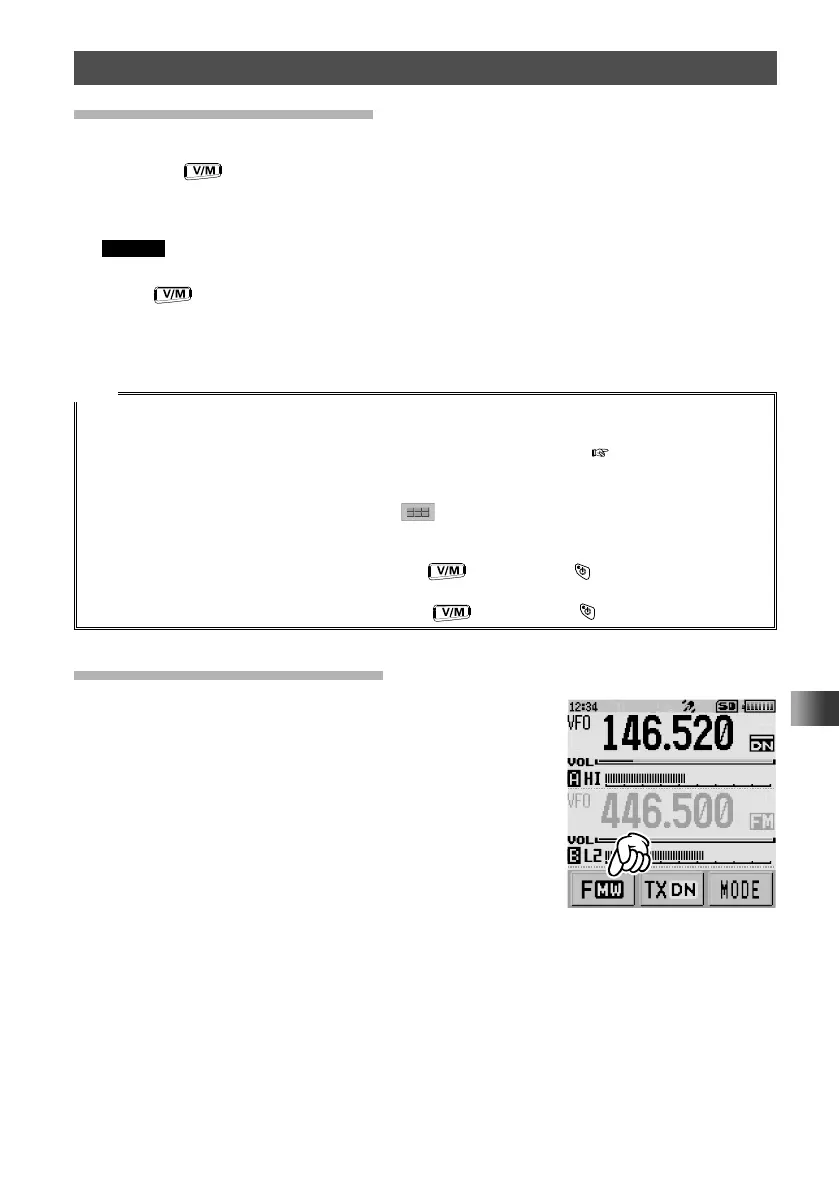
Recalling the Home Channels
1
Touch [F MW].
The function menu appears on the LCD.



 To Next Page