78
Memory Channel Scanning
7 Press .
The transceiver exits from Set mode.
Tips • When the channel is registered as a skip memory, lights up.
• When the channel is registered as a specified memory,
blinks.
• To cancel the skip memory or specified memory setting, select [OFF] in step 6. The
on the
LCD turns off and the setting is canceled.
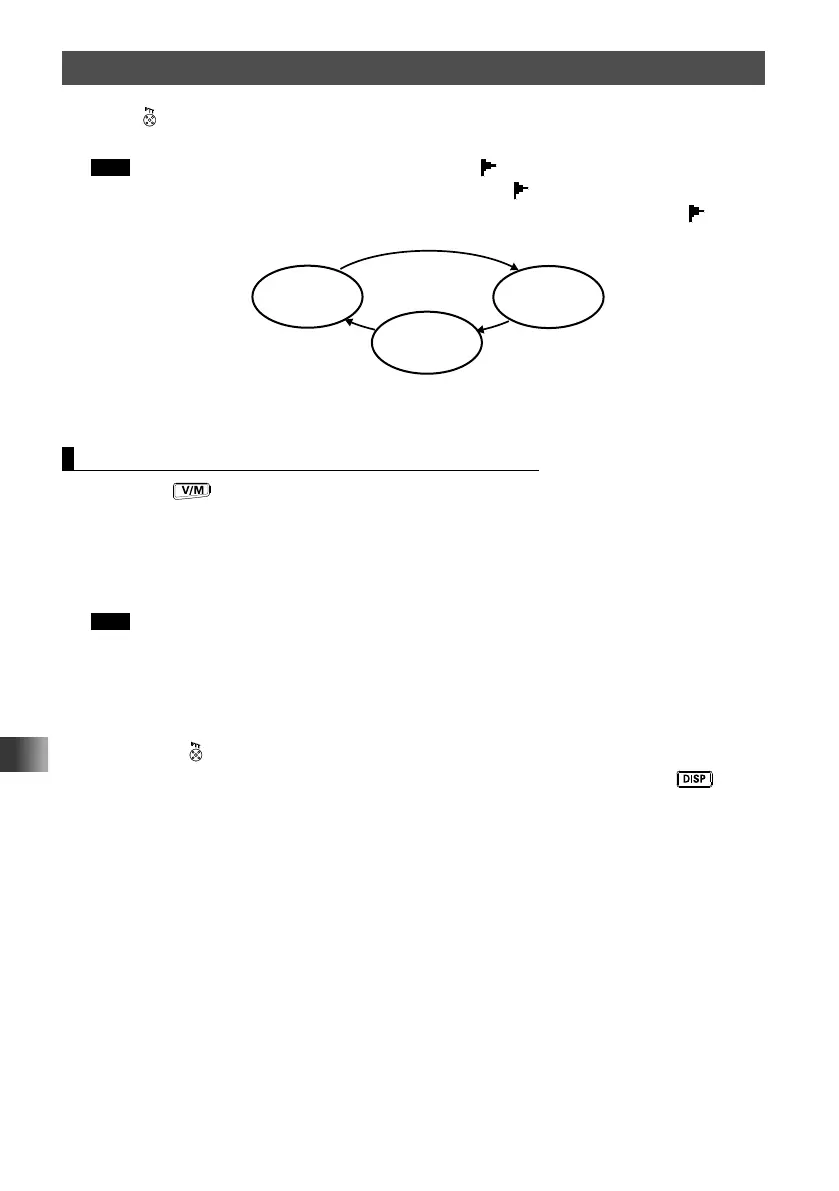
Skip memory
[SKIP]
Specified
memory
[SELECT]
Rotate the DIAL
clockwise
[OFF]
Scanning Only the Specified Memory Channels
1 Press the key to enter Memory mode.
2 Select the memory channel registered as a specified memory channel.
3 Touch [F MW].
The function menu appears on the LCD.
4 Touch [SCAN].
Tips • Rotate the DIAL clockwise to start scanning toward higher frequencies
• Only the memory channels registered as the specified memory channels are scanned.
• When a signal is received during scanning, a beep sound is emitted. Scanning stops for 5
seconds to monitor the cannel frequency.
• When scanning stops, the decimal point blinks and the LCD remains illuminated.
• After receiving the signal for 5 seconds, scanning resumes.
• Press
to cancel scanning.
• To select the range for scanning, enter Set mode by pressing and holding the
key for
over one second, then select [SCAN] followed by [5 SCAN WIDTH].



 To Next Page