61
A Wide Variety of Memory Functions
Displaying the Memory Tag
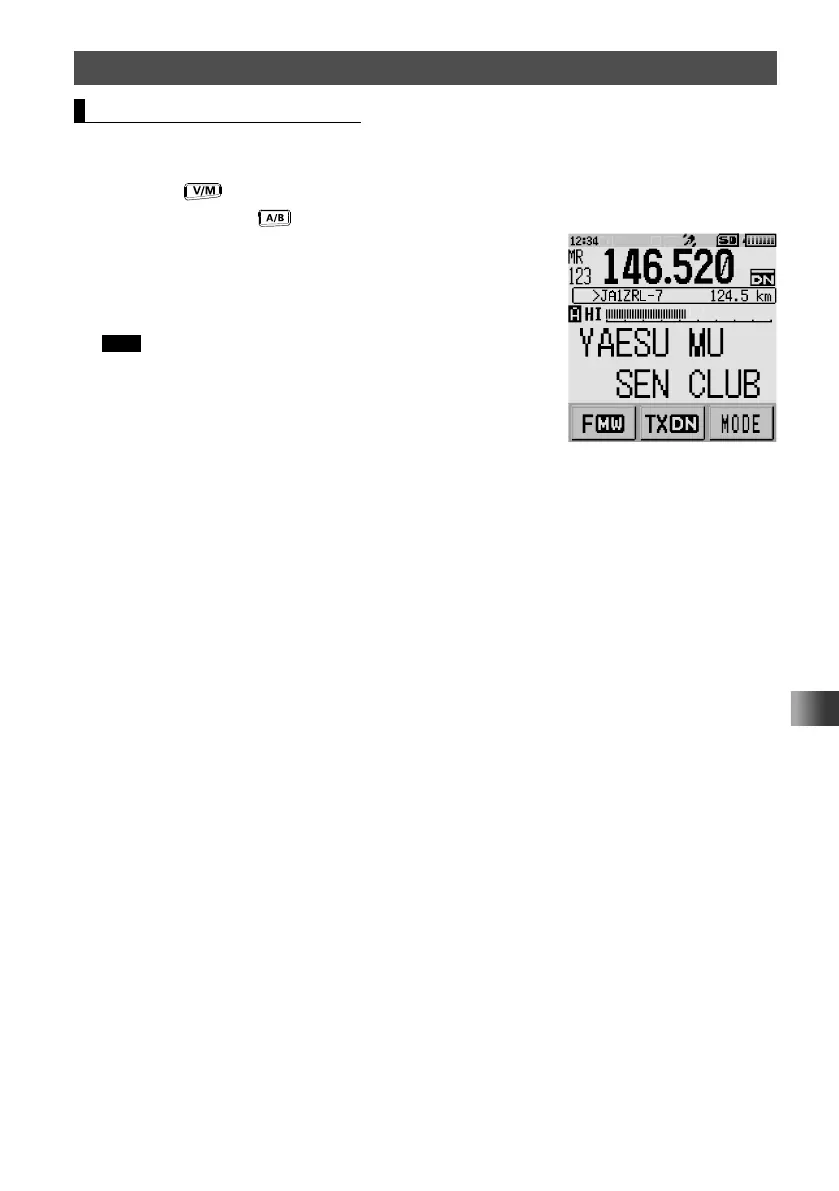
During mono band operation, the tag (name) of the memory channel or home channel
can be displayed by following the procedure below.
1 Press the key to enter Memory mode.
2 Press and hold the key for over one second.
The mono-band-operation display appears, and the
name tag appears under the frequency.
The name tag also appears under the frequency when
the frequency is displayed in double-sized characters.
Tips • Touch the Name, Date, or Volt display to display the
memory tag name in double-sized characters.
• Touch the display again to restore the font size to the
original.



 To Next Page