145
Customize Menu Settings for Individual Use (Set Mode)
Set Mode: CONFIG Menu Operations
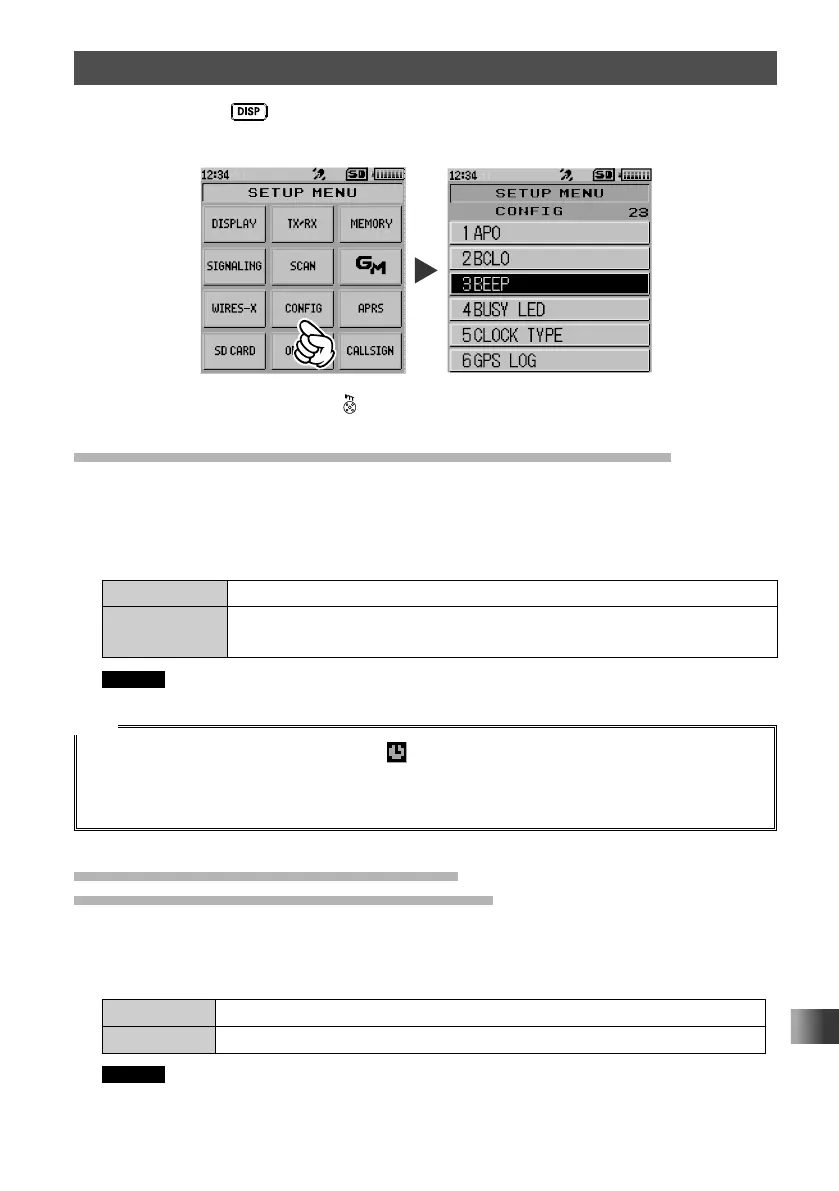
Press and hold the key for over one second to display “SETUP MENU”, then touch
[CONFIG] to set the individual items.
After completing the setup, press to exit from Set mode.
Turn Power Off Automatically Auto Power-Off Function
Set whether or not to turn off the transceiver automatically if there is no operation for a
certain period of time.
1 Touch [1 APO].
2 Rotate the DIAL to select the desired setting.
OFF Does not turn off the power automatically.
30 minutes to
12 hours
Turns off the power when no operation is performed for a specified
period of time.
Remark The default setting: OFF
Tips
• When the auto power-off function is active, appears on the LCD.
• Once the time for automatic power-off is set, the new setting is retained. Unless “OFF” is selected in
step 2, the next time the transceiver is turned on, if you perform no operation for the set period of time,
the transceiver will automatically turn off.)
Preventing Accidental Transmission
Busy Channel Lockout (BCLO) Function
Preventing transmissions when the receive channel is busy.
1 Touch [2 BCLO].
2 Rotate the DIAL to select the desired setting.
OFF Permits starting a transmission while receiving a signal.
ON Disables transmissions while receiving a signal.
Remark The default setting: OFF



 To Next Page