66
Convenient Preset Receiver Memory Channels
Registering Preset Receiver Memory Channels into Memory Banks
Your favorite preset receiver memory channels may be registered into a memory bank.
1 Rotate the DIAL to select the preset receiver memory channel to register into the
memory bank.
2 Touch [F MW] for over one second.
Remark To immediately cancel the registration, press .
3 Rotate the DIAL to select a memory bank to register your favorite preset receiver
memory channel.
4 Touch [M.WRITE].
The preset receiver memory channel is registered to the memory bank, and the
frequency appears on the LCD.
Recalling Preset Receiver Memory Channel to Listen to the
Weather Broadcast
The frequencies (10 channels) used for the VHF Weather Broadcast Station are registered
in the dedicated preset receiver memory channels.
1 Press the key to set the A-band as the operating band.
2 Touch [F MW].
3 Touch [P.RCVR].
Preset Receiver mode is activated.
4 Press the key to select [WX CH].
5 Rotate the DIAL to select the desired channel.
Remarks • For the available Weather Broadcast channels, see the following table.
• To stop reception of the international VHF radio, touch [F MW] followed by [P.RCVR]].
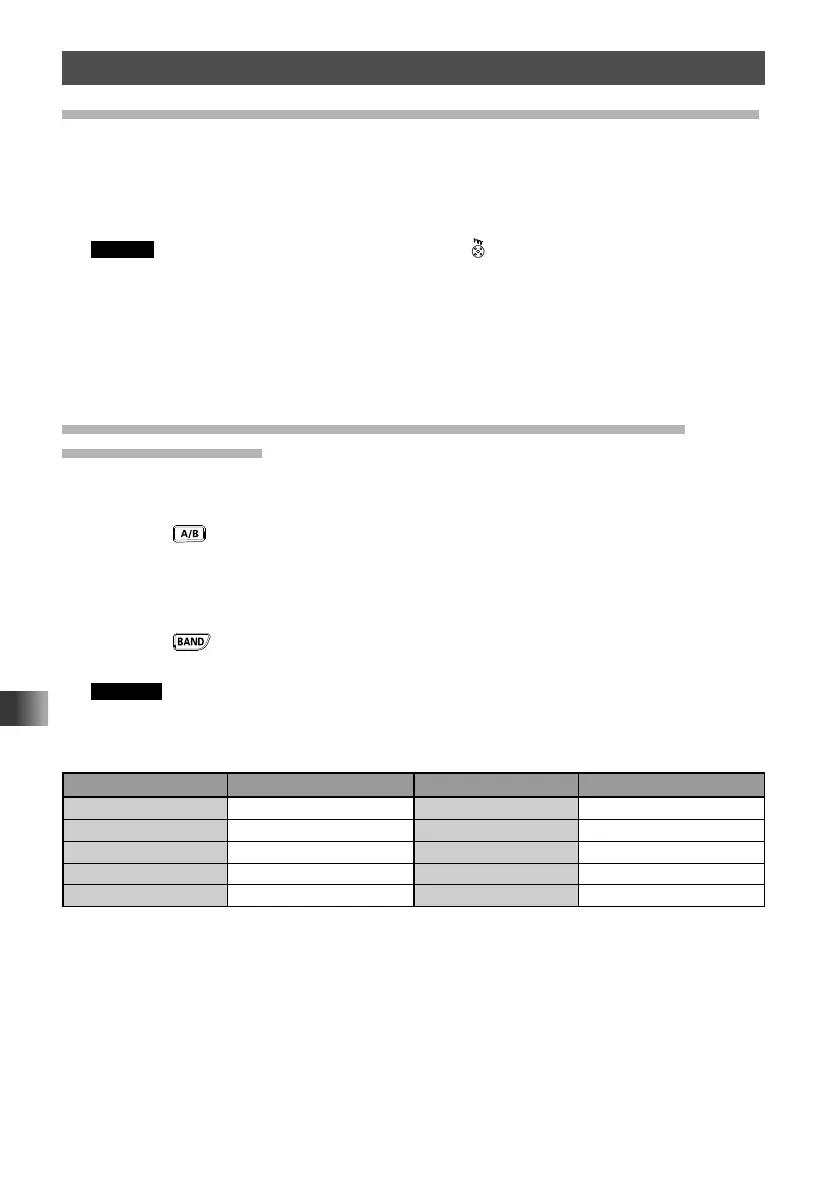
WX Channel Frequency List
Memory channel No. Frequency (MHz) Memory channel No. Frequency (MHz)
1 162.550 6 162.500
2 162.400 7 162.525
3 162.475 8 161.650
4 162.425 9 161.775
5 162.450 10 163.275



 To Next Page