37
Performing Communication
Selecting a Frequency Band
The frequency band used for the A-band and B-band may be set separately. The frequency
band can be selected by following the steps below.
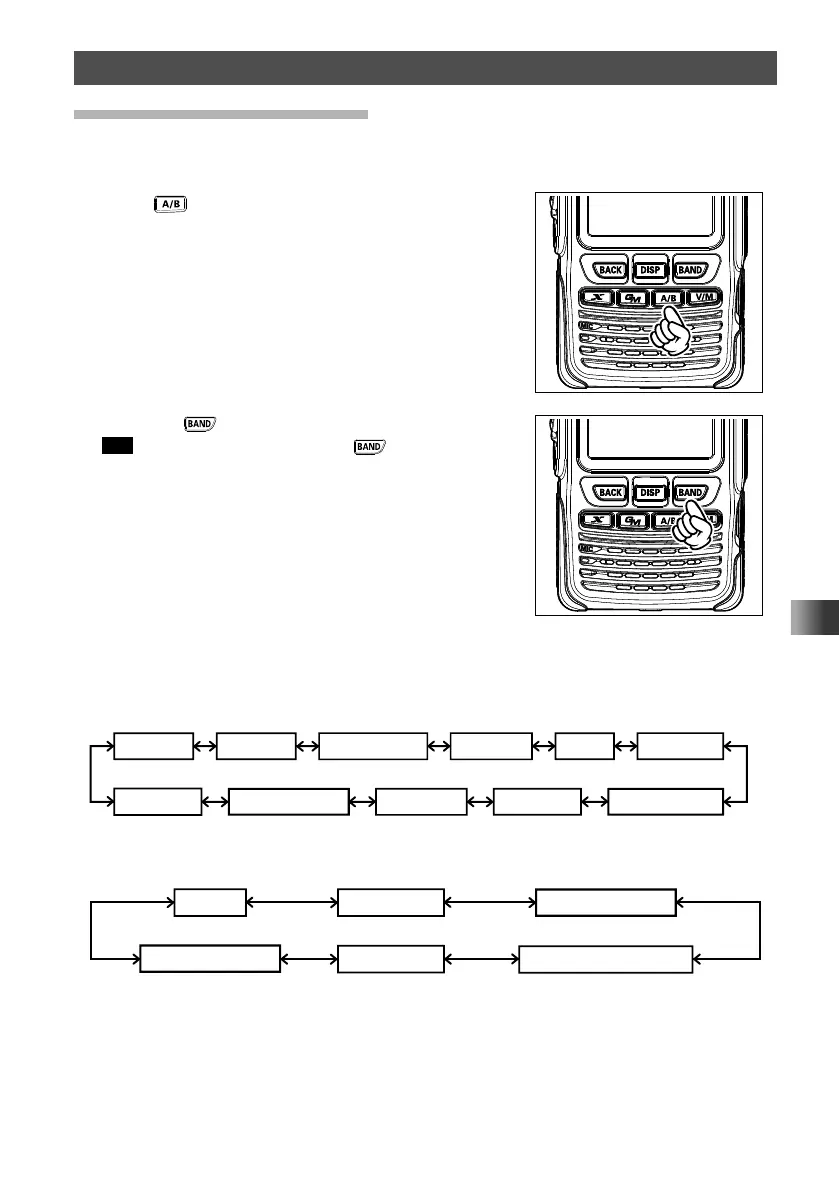
1 Press key to select A-band.
2 Press the key to select the desired frequency.
Tip Touch [F MW], then press the key to switch the
frequency bands in reverse order.
Available frequency bands differ depending on the band. The following frequency bands
can be used for A-band and B-band.
y Frequency bands on A-band
Short Wave Band 50 MHz bandFM BC Band AIR band 144 MHz band
174MHz to 222MHz
( ): EXP/European Version
Information
radio band (1)
430 MHz band
470MHz to 774(800)MHz
Information
radio band (2)
AM BC Band
y Frequency bands on B-band
AIR band 144MHz band 174MHz to 222MHz
Information radio band (1)
430MHz band
470MHz to 580MHz



 To Next Page