47
Miscellaneous Settings
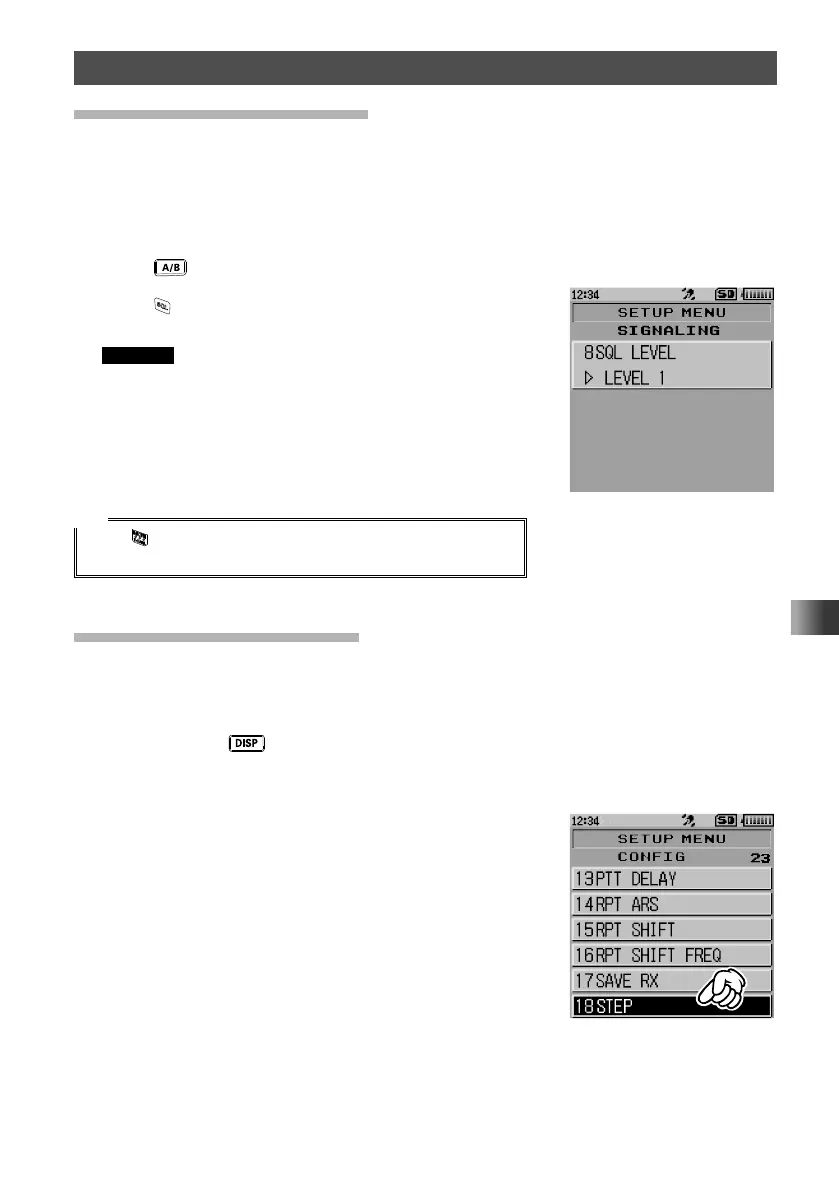
Adjusting the Squelch Level
The raspy noise heard when no signal is being received may be muted (squelched). The
squelch level can be adjusted separately for two broadcasts (FM and AM) received on
the A-band and B-band.
When the squelch level is increased, the noise is more likely to be silenced, but it may
become more difficult to receive weak signals. Adjust the squelch level as required.
1 Press key to select the desired operating band.
2 Press .
3 Rotate the DIAL to adjust the squelch level.
Remarks • The squelch level can be adjusted within the range
from 0 to 15.
• Default: LEVEL 1.(FM radio broadcast band is LEVEL
2)
4 Press PTT.
The squelch level will be set.
Tip
While is held pressed, the squelch function will be open for
both the A-band and B-band.
Setting the Frequency Step
You can set the frequency step to a fixed value. By default, “AUTO (Step)” is selected
so that the optimum frequency step is automatically selected according to the receiver
frequency.
1 Press and hold key for over one second.
The transceiver enters Set mode.
2 Touch [CONFIG].
3 Rotate the DIAL, then touch [18 STEP].



 To Next Page