131
Customize Menu Settings for Individual Use (Set Mode)
Set Mode: DISPLAY Menu Operations
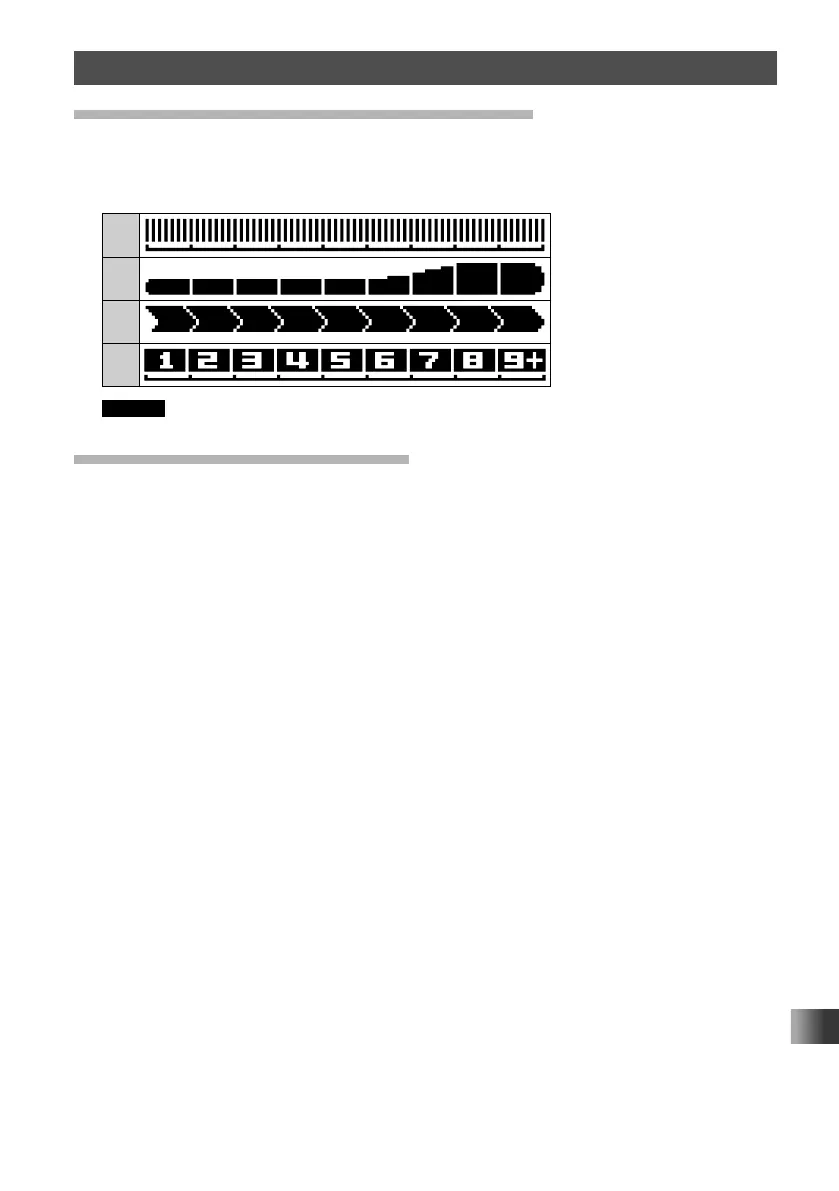
Changing the Display Pattern of the S-Meter
Select the desired display pattern of the S-Meter.
1 Rotate the DIAL, then touch [10 S-METER SYMBOL].
2 Rotate the DIAL to select the desired display pattern.
1
2
3
4
Remark The default setting: 1
Displaying the Software Version
Display the software version.
1 Rotate the DIAL, then touch [11 SOFTWARE VERSION].
The software versions of “Main”, “Sub” and “DSP” are shown.



 To Next Page