52
Repeater Operation
Repeater Operation
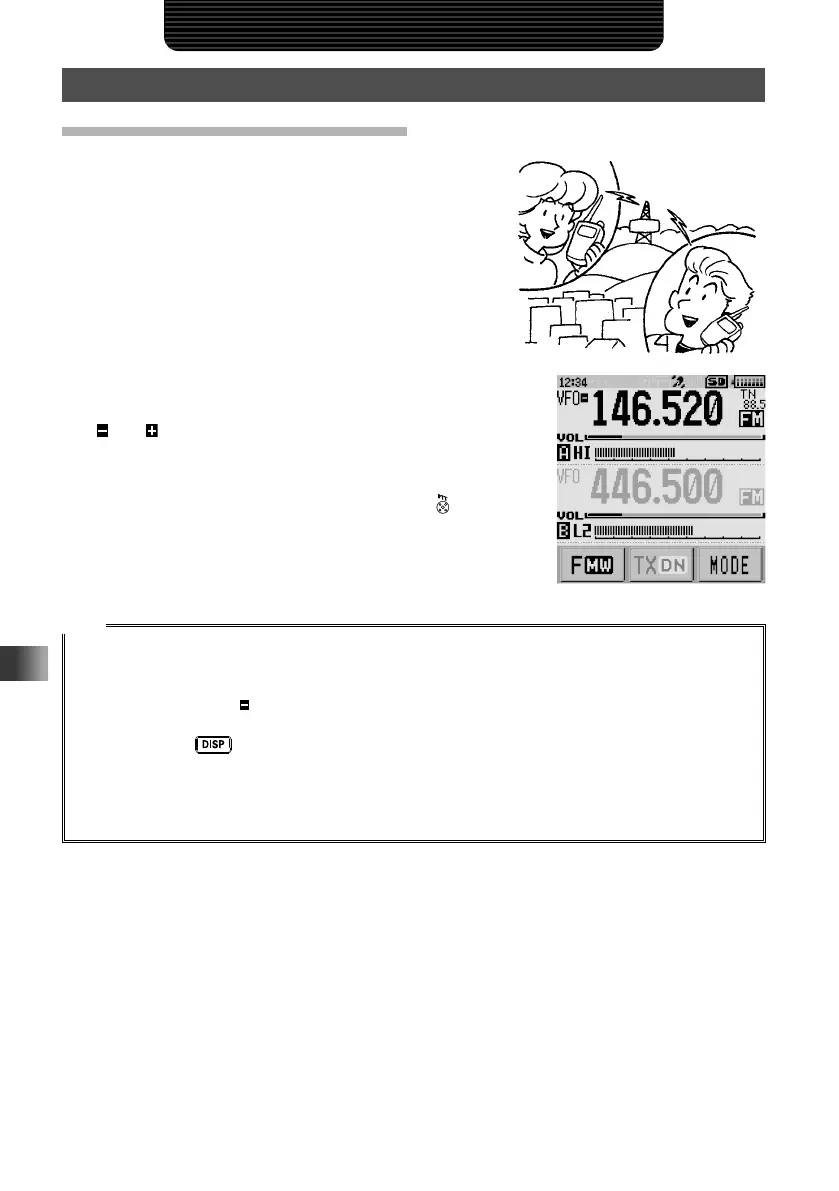
Communicating Via the Repeater
The transceiver includes an ARS (Automatic Repeater
Shift) function which enables repeater operation
automatically when setting the receiver to the
repeater frequency.
1 Set the receiver frequency to the repeater
frequency.
“
” or “ ” appears on the left side of the frequency
whereas “TN” and the tone frequency appear on the
right side of the frequency.
2 Begin transmitting by pressing and holding . The
transmitter will automatically be set to the programmed
offset frequency and CTCSS tone.
Tips
• Touching [F MW] followed by [REV] enters the “reverse” state where the transmission frequency and
the receive frequency are temporarily reversed. This allows checking to find if direct communication
with the remote station is possible.
• In the “reverse” state, “
” blinks on the LCD.
• Touching [F MW] followed by [REV] again exits from the “reverse” state.
• Press and hold
for over one second to enter Set mode, then configure the following repeater
settings for more convenient use.
[CONFIG] → [14 RPT ARS]: Deactivates the ARS function.
[CONFIG] → [15 RPT SHIFT]: Allows setting the repeater shift direction.
[CONFIG] → [16 RPT SHIFT FREQ]: Allows changing the repeater shift offset



 To Next Page