99
Dual Receive (DW) Function
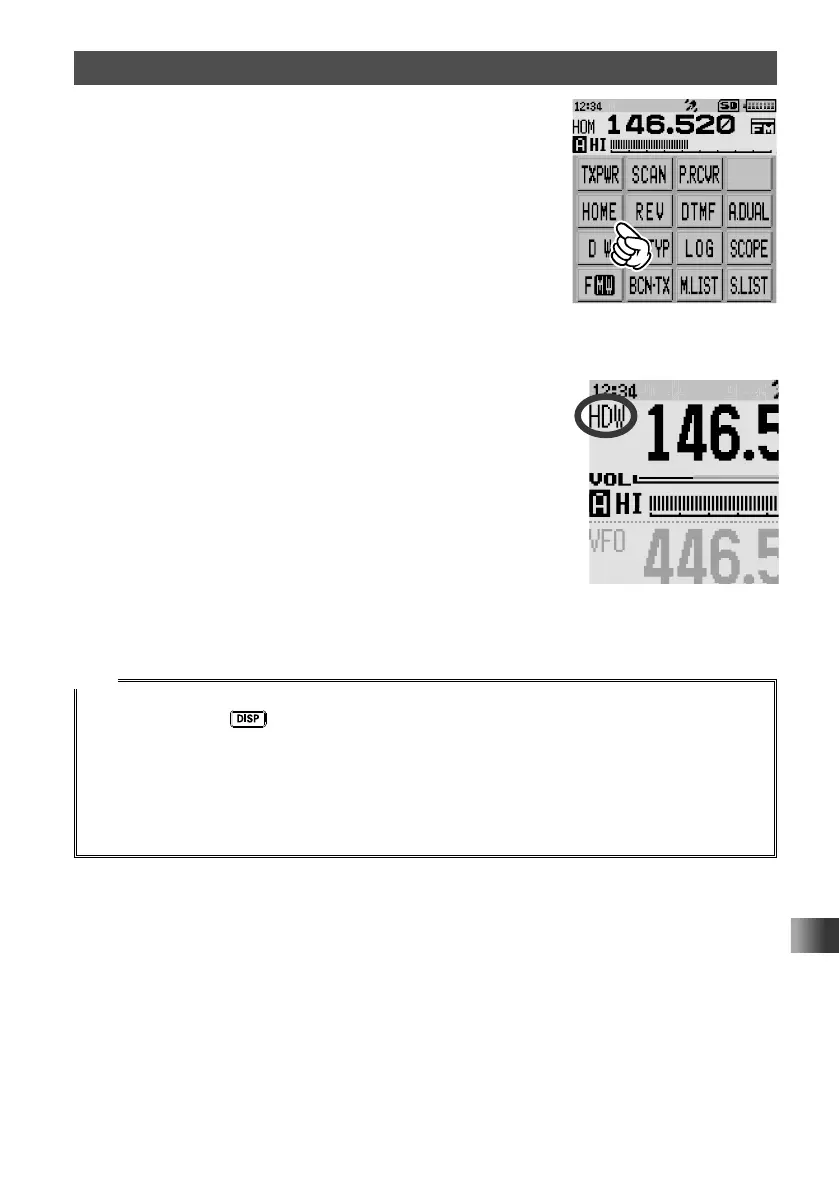
6 Touch [HOME].
The HOME channel is recalled.
7 Touch [F MW].
8 Touch [DW].
The HOME Channel Dual Receive starts and “HDW”
appears on the LCD.
9 Touch [STOP].
The HOME Channel Dual Receive is canceled.
Tips
• The Priority Memory Channel is set to the Memory Channel number 1 by default.
• Press and hold the
key for over one second to enter Set mode, then configure the following
settings for more convenient use.
[SCAN] → [1 DW TIME]: The time interval for monitoring the Priority Memory Channel can be
changed.
[SCAN] → [4 SCAN RESUME]: The resumption conditions for Dual Receive can be changed.
• The combination of the frequency bands and modes for the Priority Memory Channel and the
frequency for constant signal reception can be freely changed.



 To Next Page