3. Installation
13
3.1.4.1 Auto MDI/MDI-X and Auto Negotiation
Each Ethernet circuit on the ZIP2x2 and the ZIP2x1 has automatic sensing to determine on which
pins of the RJ45 connector it should transmit data and on which pins of the RJ45 connector it
should receive data. This is referred to as auto MDI/MDI-X.
With this function in the phone, you can use a straight or cross wired cable to connect the phone
to any other device. If you connect the phone to a device that itself has auto MDI/MDI-X, the
devices resolve the appropriate pins to use through random selection.
Also, each Ethernet circuits has automatic sensing to determine whether the circuit should
operate at 10 Mb/s or 100 Mb/s. The phone will always attempt to establish connection at the
higher rate and will fall back to the lower rate only if the device to which you have connected the
phone cannot operate at the higher rate.
3.1.4.2 Single Circuit
Connect the LAN circuit on the back of the phone to the LAN, as shown in figure 3-1.
You may have a router or switch to which you connect the phone. Whatever connectivity exists
between the phone and the SIP server, ensure that you use the LAN port to perform the uplink.
1
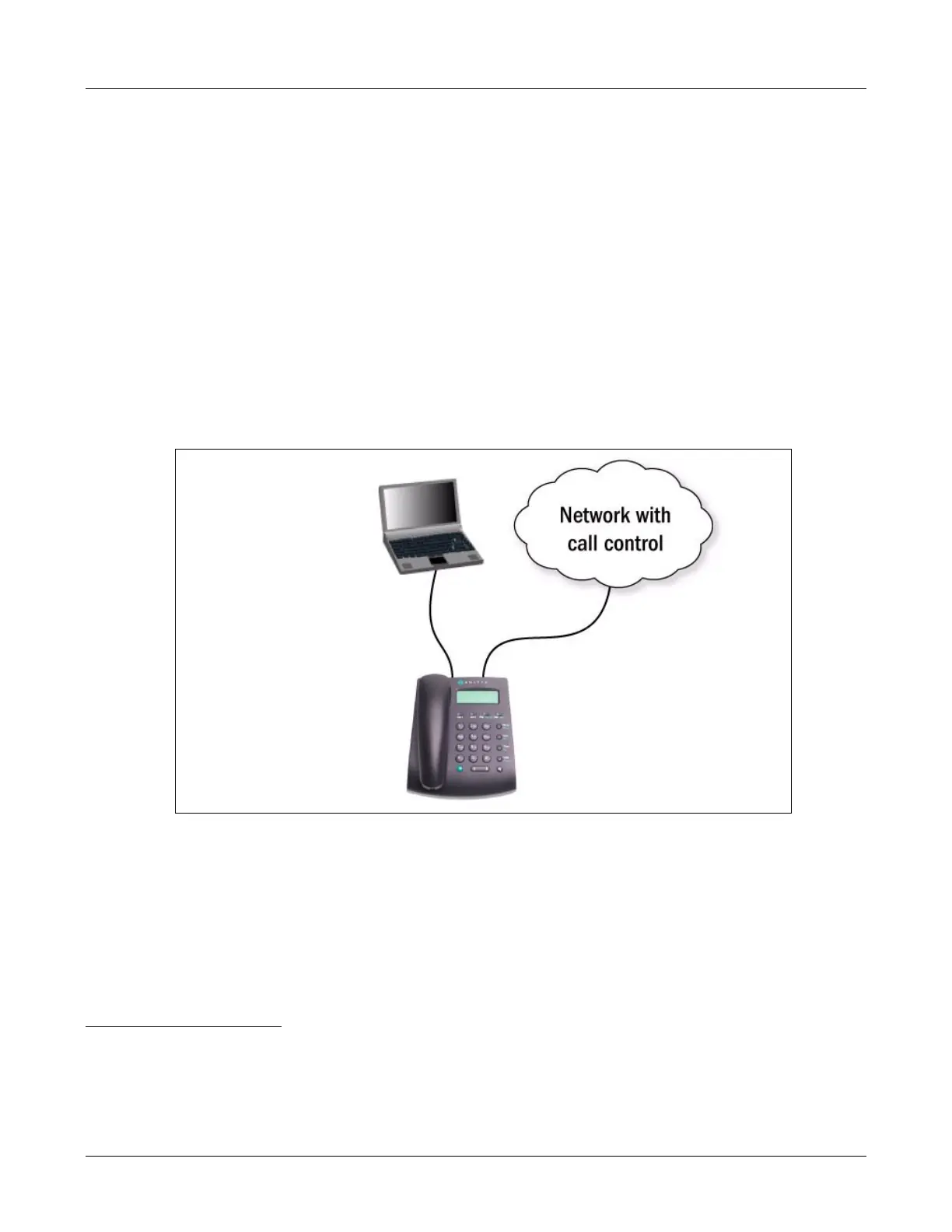
You can connect your PC or notebook to the PC circuit of the ZIP2x2. You can identify if the
phone has connectivity and activity on each of the circuits as described in section 8.3.2 on page 86.
Figure 3-2 Connecting the ZIP2x2 and Your PC
1. If you do not expect the ZIP2x2 to receive power from the network, you can actually use either port to connect to the
phone system. In this case, the switch inside the ZIP2x2 is an unmanaged switch and it does not matter to which port
you connect. However, the phone must have connectivity on the port marked LAN and always using this to connect to
the network ensures that you have a consistent network that is easier to maintain.



 To Next Page