Configuration
LITECOM, Commissioning and maintenance instructions 17.0 | 04.2024 | en 146
10.11.2 Linking the LITECOM CCD control device
To use devices on another LITECOM CCD, the LITECOM CCD control device must first be linked.
Note
· We recommend only linking LITECOM CCDs with the same software version.
· After linking, the LITECOM CCD device name is not updated on the linked LITECOM CCD if it is
changed on the local LITECOM CCD.
Requirement:
—The consumer was created on the LITECOM CCD to be linked.
For more information see manual REST API & MQTT
Path: App overview > Control device linking
1. Navigate to the path.
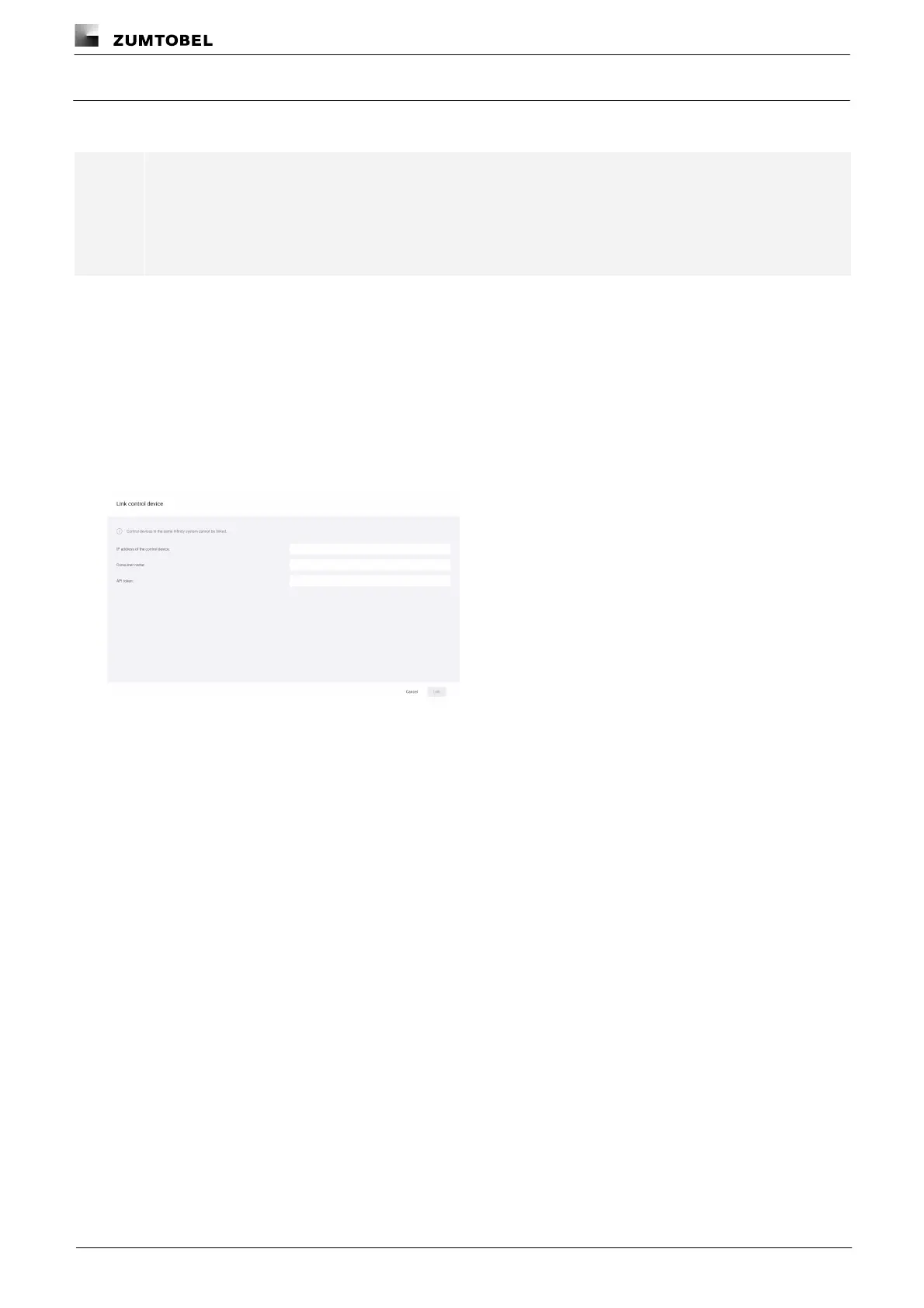
2. Tap the Link control device button.
ÜThe Link control device view is displayed.
3. Enter the IP address of the LITECOM CCD to be linked.
4. Enter the consumer name.
5. Enter the API token.
6. Tap the Link button.
ÜThe Control device linking view is displayed.
ÜThe linked LITECOM CCD control device is displayed.



 To Next Page