Licensing (LITECOM Store)
LITECOM, Commissioning and maintenance instructions 17.0 | 04.2024 | en 27
8 Licensing (LITECOM Store)
Certain apps may be disabled in the LITECOM CCD web application because the licences in question have not
been activated. To activate an app, a licence must be requested and then activated via the LITECOM Store.
Path: App overview > LITECOM Store
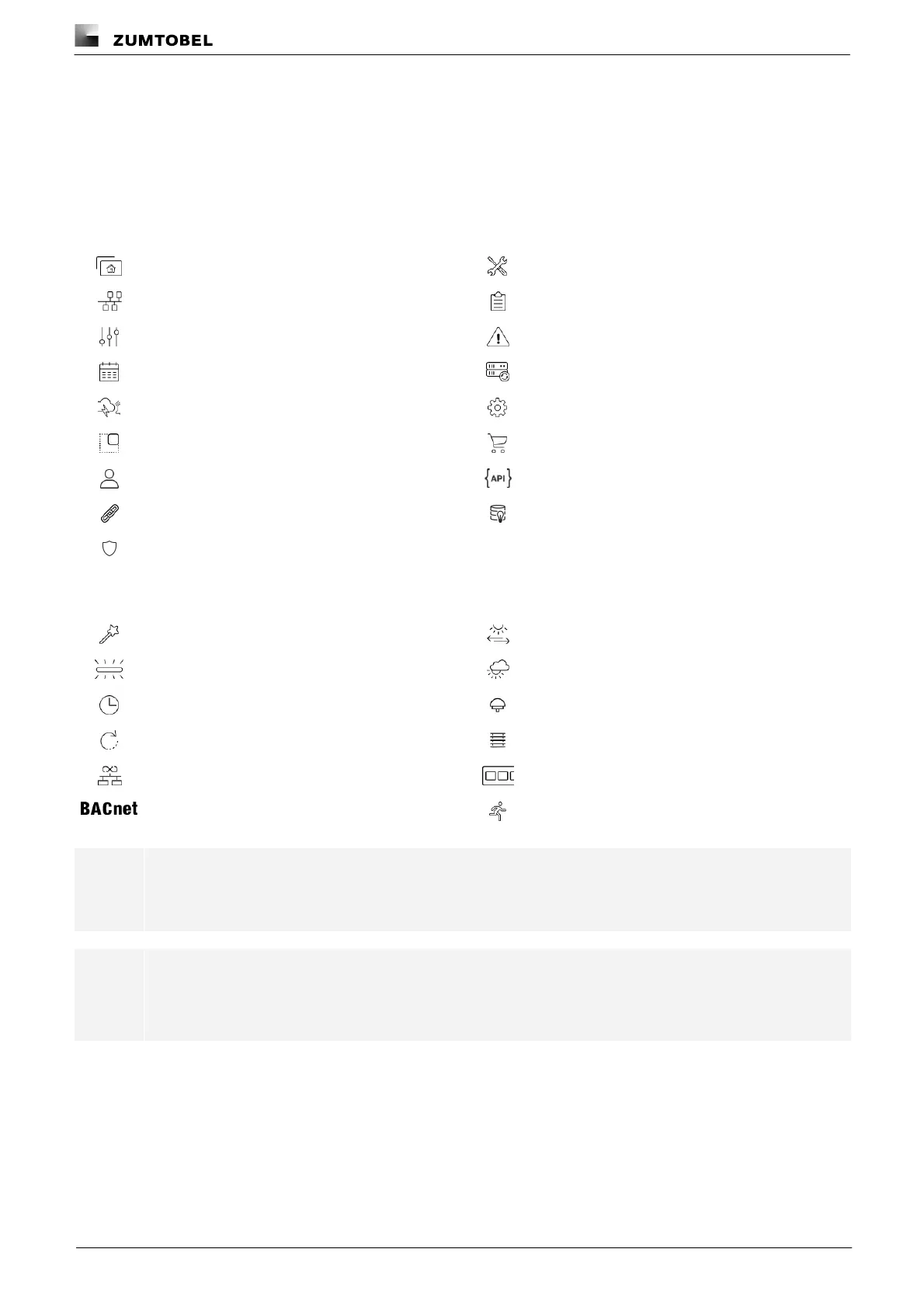
The LITECOM web application comes with the basic licence activated as standard. It contains the following apps:
Additional apps can be activated via the LITECOM Store.
Emergency luminaires (self-contained)
Note
Certain apps may already be activated upon delivery.
Note
You only need the Basic licence (Infinity) if you want to use LITECOM in Infinity mode.
For more information on LITECOM infinity see Infinity mode manual



 To Next Page