Configuration
LITECOM, Commissioning and maintenance instructions 17.0 | 04.2024 | en 124
10.9 Zones
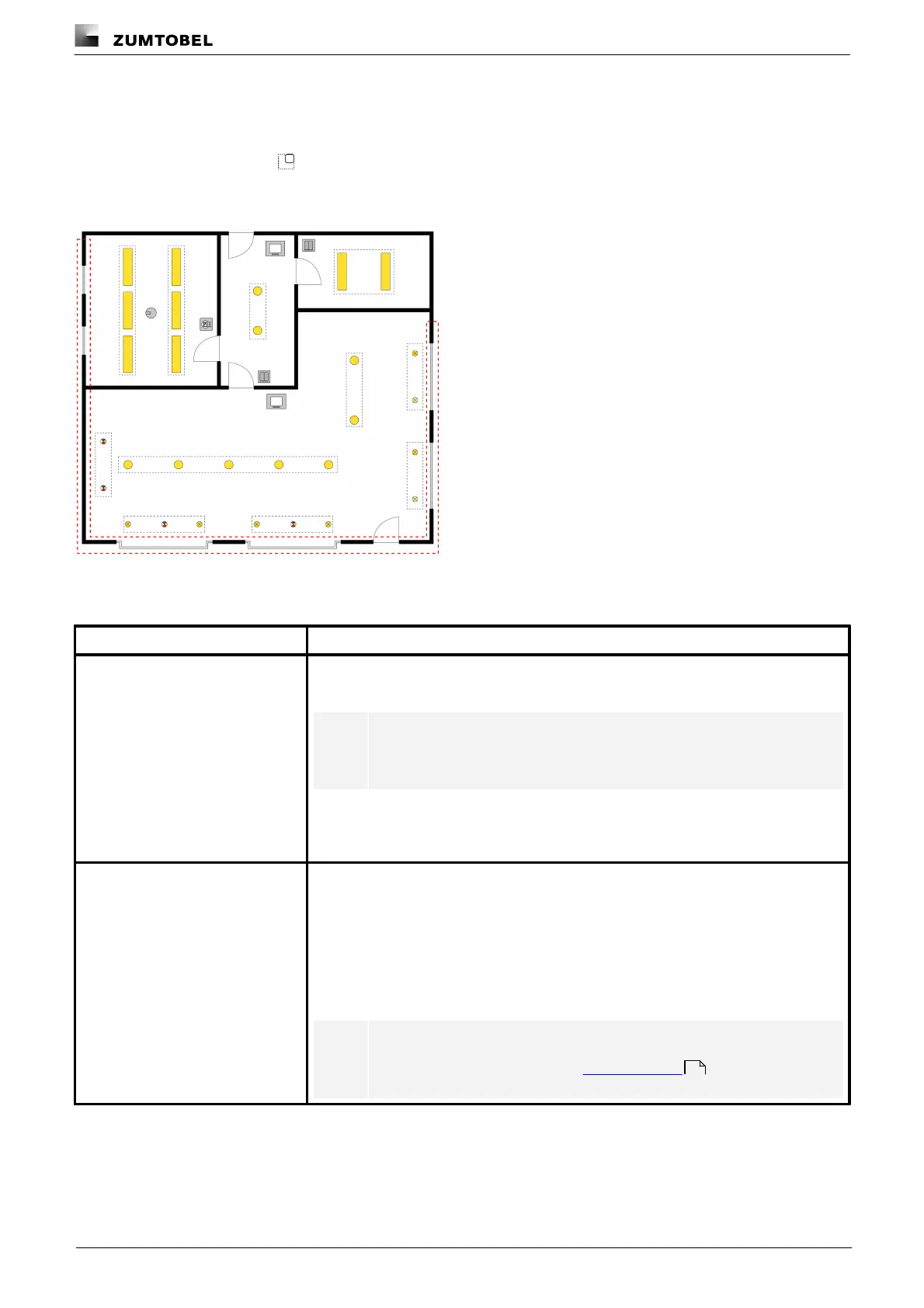
A zone is a unit comprising multiple rooms and/or groups, created in order to be able to control the addressed
devices it contains together. Zones do not depend on the features of the rooms. Zones are also indicated by the
following icon in the interface:
Path: App overview > Zones
Figure 42: Example of a zone
There are different ways to control the device addressed in a zone:
Scene recall via the start page
You can recall the scene in a zone via the start page and temporarily change the scene
settings.
Note
Detail control is disabled on the start page as soon as a zone is selected
as the effective range.
The following steps are required:
1. Create a zone in the Zones app.
2. Create one or more scenes for the zone in the Scenes app.
As soon as a presence detector detects the presence or absence of a person, a certain
scene is recalled in the zone.
The following steps are required:
1. Create a zone in the Zones app.
2. Create one or more scenes for the zone in the Scenes app.
3. Create presence linking with a zone as the effective range in the Presence linking
app.
Note
For more information see Section Presence linking
116



 To Next Page