Configuration
LITECOM, Commissioning and maintenance instructions 17.0 | 04.2024 | en 93
10.4.2 Configuring scenes for rooms
A scene contains defined settings for luminaires, blinds, windows and/or screens for a certain requirement within a
room.
Path: App overview > Scenes > Edit
A scene can comprise different settings, depending on the devices installed (e.g. intensity, blind position, window
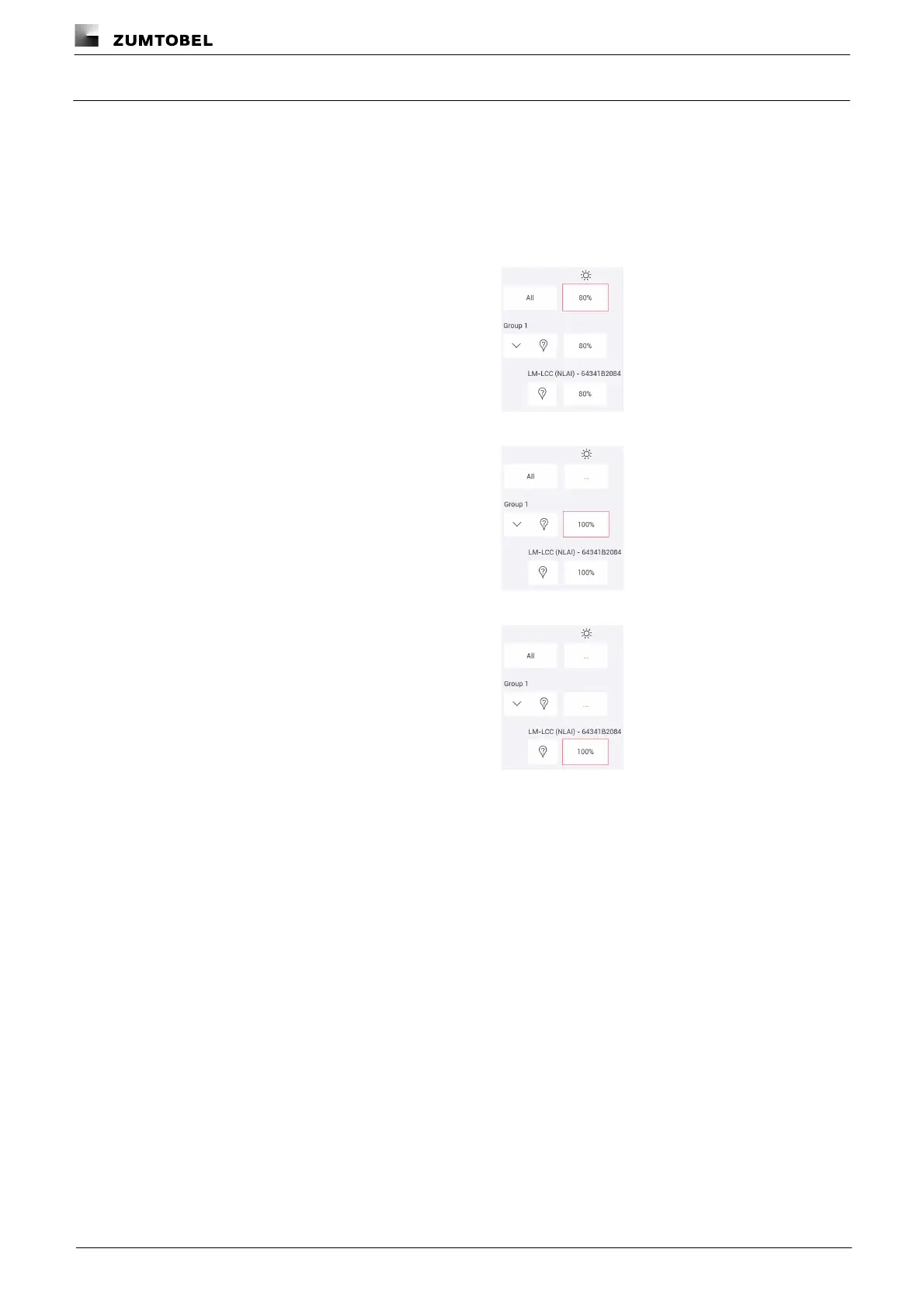
position, colour). If a room has been selected as the effective range, different settings can be configured in the
Edit scene area. These settings can be applied to different levels:
· for all devices in the room, e.g. one intensity for all
luminaires in the room
· for all devices in a group, e.g. one intensity for all
luminaires in a group
· for an individual device, e.g. a specific intensity for a
specific luminaire



 To Next Page