Configuration
LITECOM, Commissioning and maintenance instructions 17.0 | 04.2024 | en 89
10.4 Scenes
A scene contains defined settings for luminaires, blinds, windows and/or screens for a certain requirement within a
room. These settings can be dynamically adapted to each other and include different types of control (such as
daylight linking). A scene can be recalled manually (e.g. by pressing a key) or automatically (e.g. via time linking or
presence linking).
Path: App overview > Scenes
Detail control can be used to change a recalled scene temporarily.
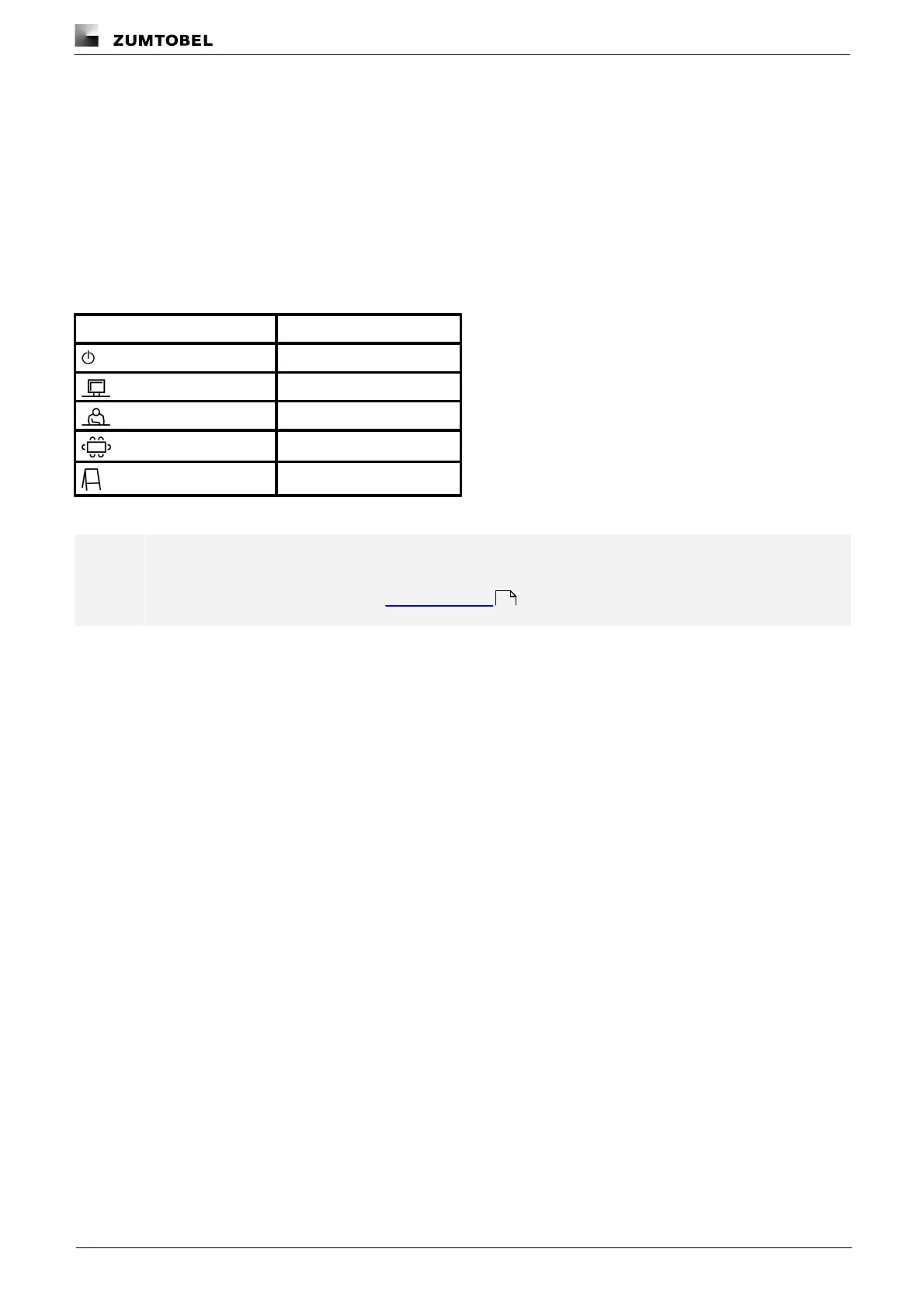
As soon as you create a room in your LITECOM system, five standard scenes are enabled in the room:
Table 45: Standard scenes
Note
Defaults are stored for these scenes.
For more information see Section Factory settings
177



 To Next Page