Configuration
LITECOM, Commissioning and maintenance instructions 17.0 | 04.2024 | en 68
10.2 Security settings
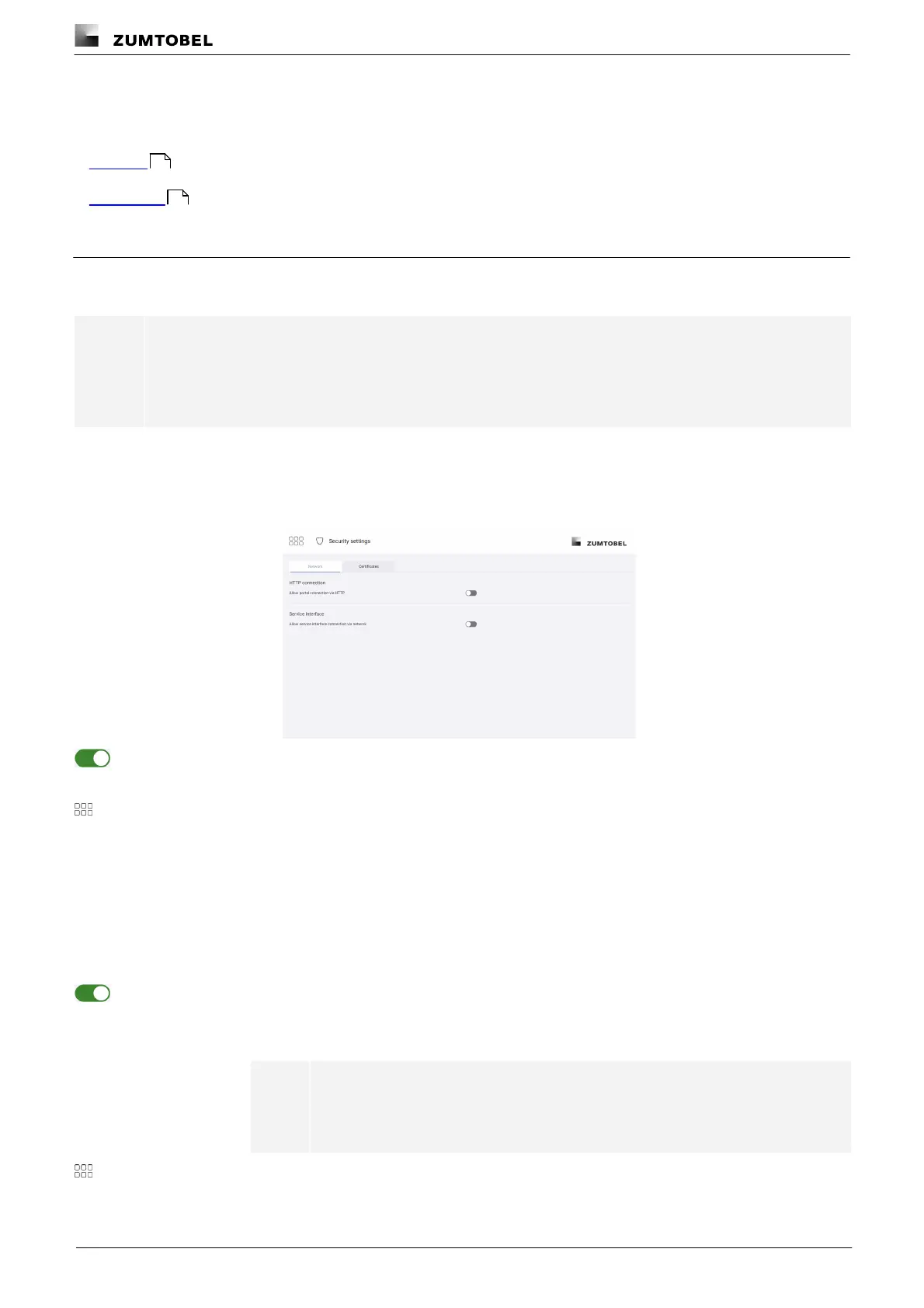
Security-relevant network settings and certificate settings are defined in the security settings.
· Network
· Certificates
10.2.1 Network
Allowing portal connection via HTTP
Note
All data, including the password, is transferred unencrypted when a connection is established via
HTTP. This function should only be enabled if the network used is secure and unencrypted
connections are permitted.
Path: App overview > Security settings > Network
1. Navigate to the path.
ÜThe Network view is displayed.
2. Enable the Allow portal connection via HTTP option.
ÜA note appears stating that an unsecure connection has been enabled.
3. Tap this button to access the app overview.
Allowing connection to the service interface via the network
Path: App overview > Security settings > Network
1. Navigate to the path.
ÜThe Network view is displayed.
2. Enable the Allow service interface connection via network option.
ÜA note appears, indicating that an unsecure connection from the network to the
service interface has been enabled.
Note
This option should only be enabled for troubleshooting and maintenance
purposes.
3. Tap this button to access the app overview.
68
69



 To Next Page