Requirements
LITECOM, Commissioning and maintenance instructions 17.0 | 04.2024 | en 26
7 Requirements
Before starting the commissioning and configuration process for your LITECOM system, ensure that the following
requirements have been met.
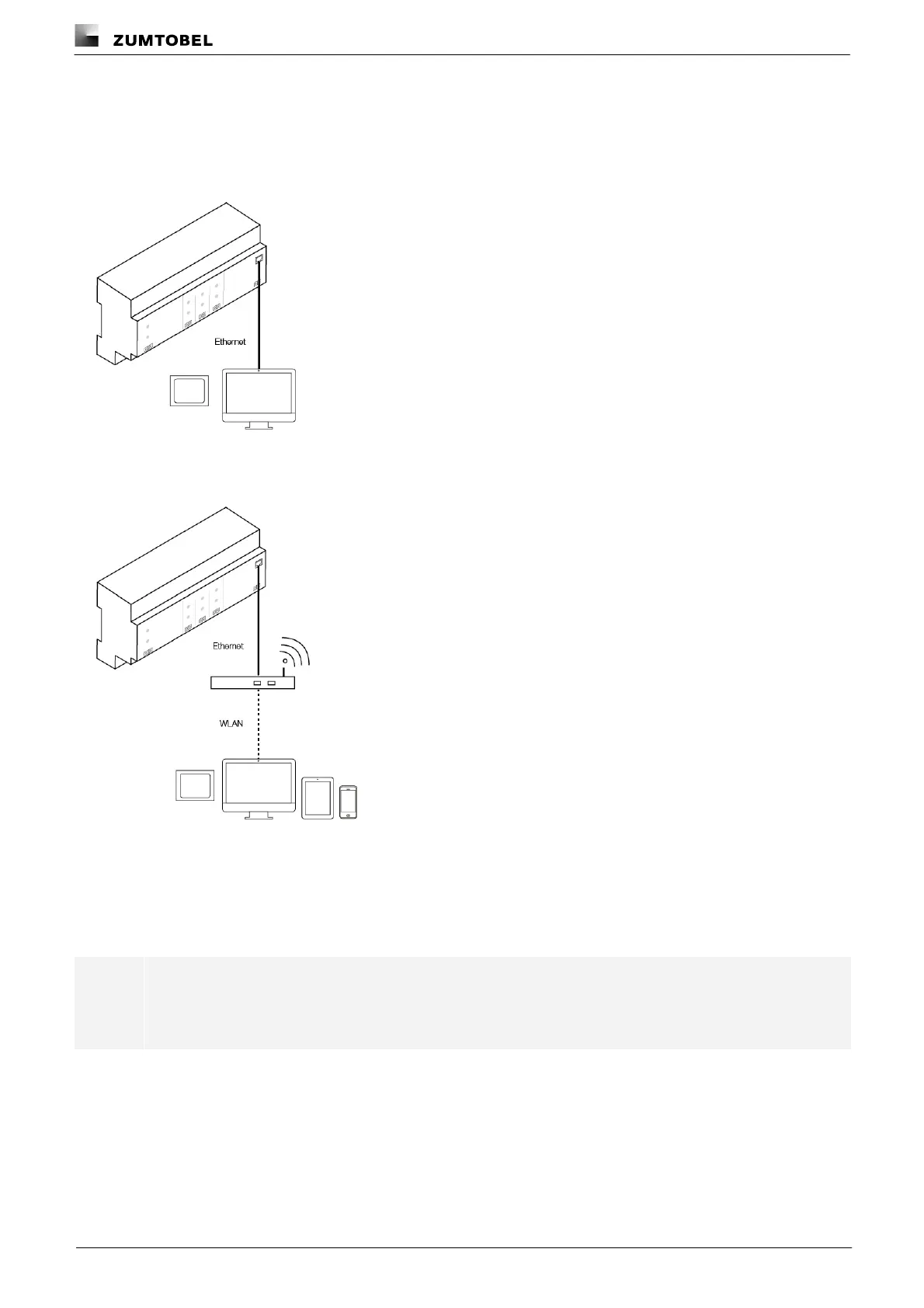
— LITECOM CCD control device and display device (touch panel, computer) are connected via an Ethernet
cable.
– or –
— LITECOM CCD control device and display device (touch panel, computer, mobile device) are connected via a
wireless access point.
— The following settings are stored for the display device and wireless access point:
o IP address . . . . . . . . .10.10.40.2 – 10.10.40.253
o Subnet mask . . . . . .255.255.0.0
— The LITECOM CCD control device must have hardware batch B3 as a minimum.
Note
The hardware batch can be found on the batch label of the LITECOM CCD in the second position;
e.g. V2.00 B3A M17.
— The LITECOM platform must be updated to version 3.0.1-B3 or higher.
Path: App overview > Basic settings > Software versions > LITECOM CCD
— The software version must be updated to version 3.5.2.
Path: App overview > Basic settings > Software versions



 To Next Page