Configuration
LITECOM, Commissioning and maintenance instructions 17.0 | 04.2024 | en 69
10.2.2 Certificates
In the certificate settings, you can select between using a self-signed security certificate or an external security
certificate that must be signed by a root certificate authority. The certificates are used for secure communication
via HTTPS, as well as REST API and MQTT. The external security certificate must be renewed periodically.
Note
· A self-signed security certificate is stored by default.
· The self-signed security certificate stored in advance is valid for 10 years.
· The certificate is encrypted for HTTPS via a 2,048-bit key.
Creating an external security certificate
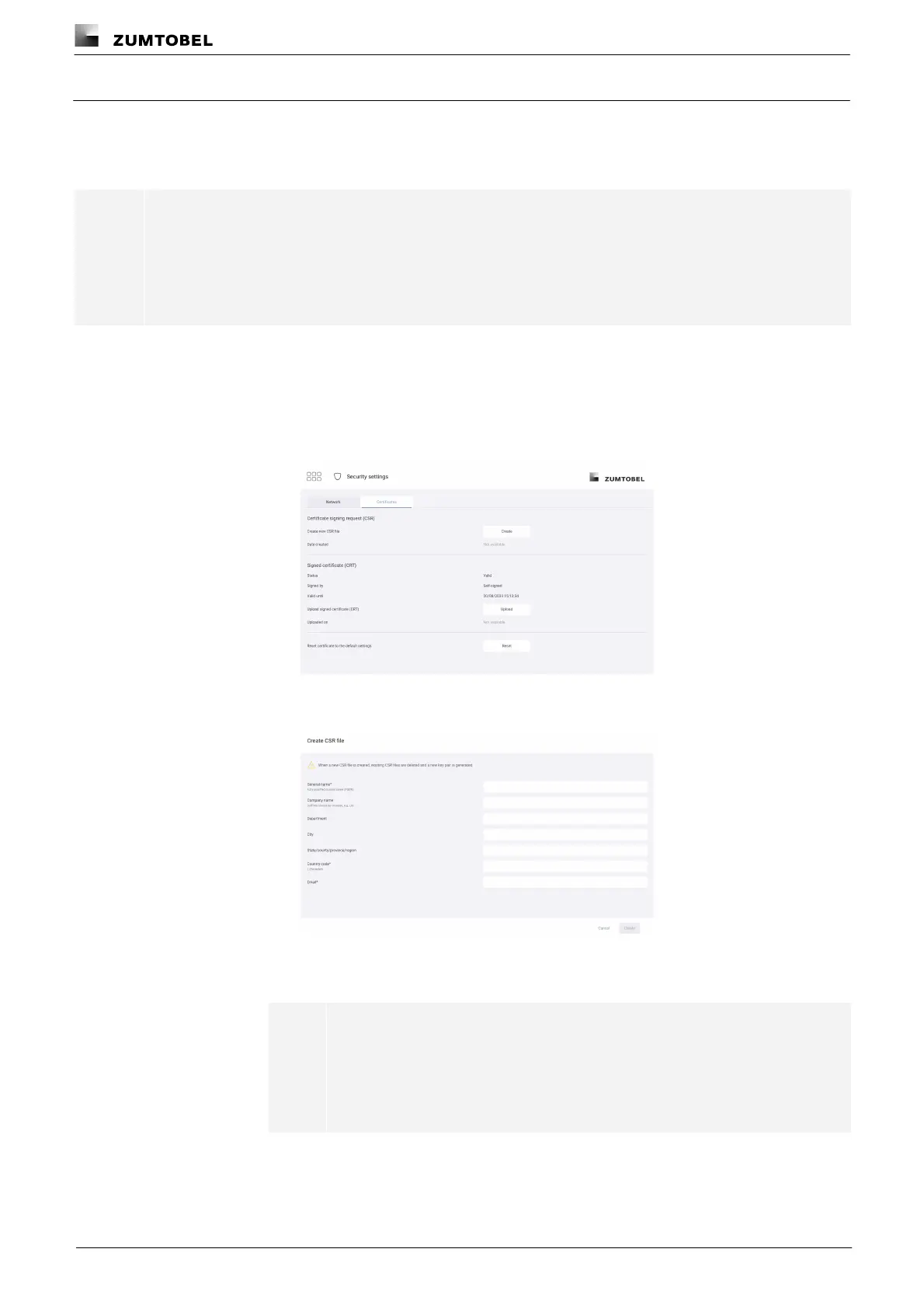
Path: App overview > Security settings > Certificates
1. Navigate to the path.
ÜThe Certificates view is displayed.
2. Tap the Create button.
ÜThe Create CSR file view is displayed.
3. Enter a general name (fully qualified domain name), the country code and the
email address.
Note
Make sure that you enter a valid domain name. The security certificate is
issued to this fully qualified domain name. This domain name must be set
up on the local domain name server for accessing the web application, in
order to use the security certificate correctly.



 To Next Page