EasyManua.ls Logo

Zumtobel LITECOM - Page 71

Zumtobel LITECOM
186 pages
Print Icon
To Next Page IconTo Next Page
To Previous Page IconTo Previous Page
Loading...
Configuration
LITECOM, Commissioning and maintenance instructions 17.0 | 04.2024 | en 70
4. Enter the rest of the data, such as the company name, if desired.
5. Tap the Create button.
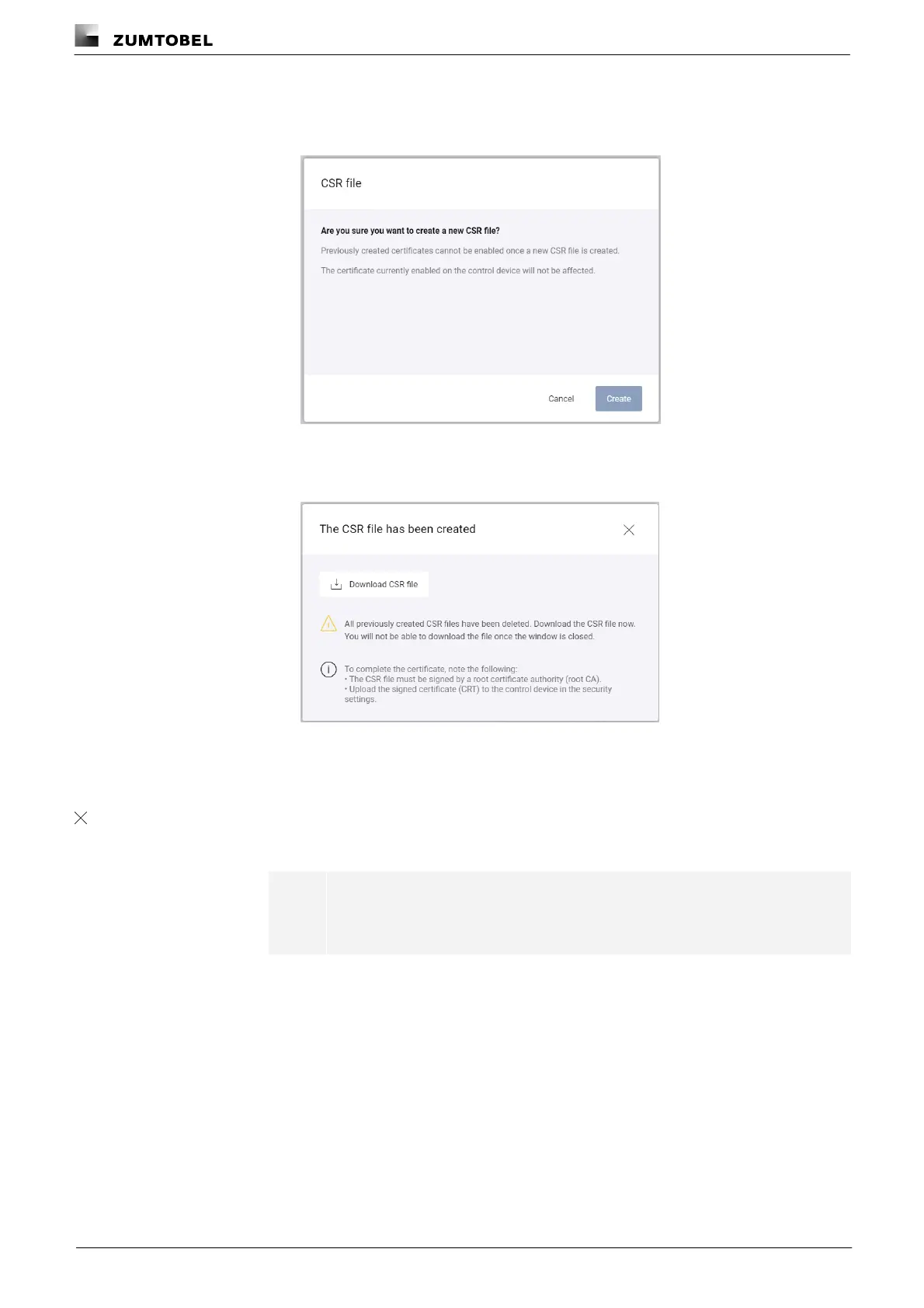
ÜThe CSR file view is displayed.
6. Tap the Create button.
ÜThe CSR file is created.
ÜThe CSR file has been created view is displayed.
7. Tap the Download CSR file button within 5 minutes.
ÜExisting CSR files are deleted.
ÜThe newly created file is downloaded.

8. Tap the icon.
ÜThe Certificates view is displayed.
i
Note
The downloaded CSR file must be signed by a root certificate authority.

Table of Contents