Configuration
LITECOM, Commissioning and maintenance instructions 17.0 | 04.2024 | en 153
10.12.2 Configuration options
The following sections contain an overview of the configuration options in the DALI data app.
· Polling DALI data
· Managing your DALI data profile
· Selecting devices
Polling DALI data
DALI data polling must be enabled for DALI data to be retrieved via the REST API & MQTT.
Enabling DALI data polling
Requirement:
—Devices support the transfer of DALI data. The corresponding DALI part (251–254) must be supported
depending on which data is being polled according to the DALI data profile.
Path: App overview > DALI data >
1. Navigate to the path.
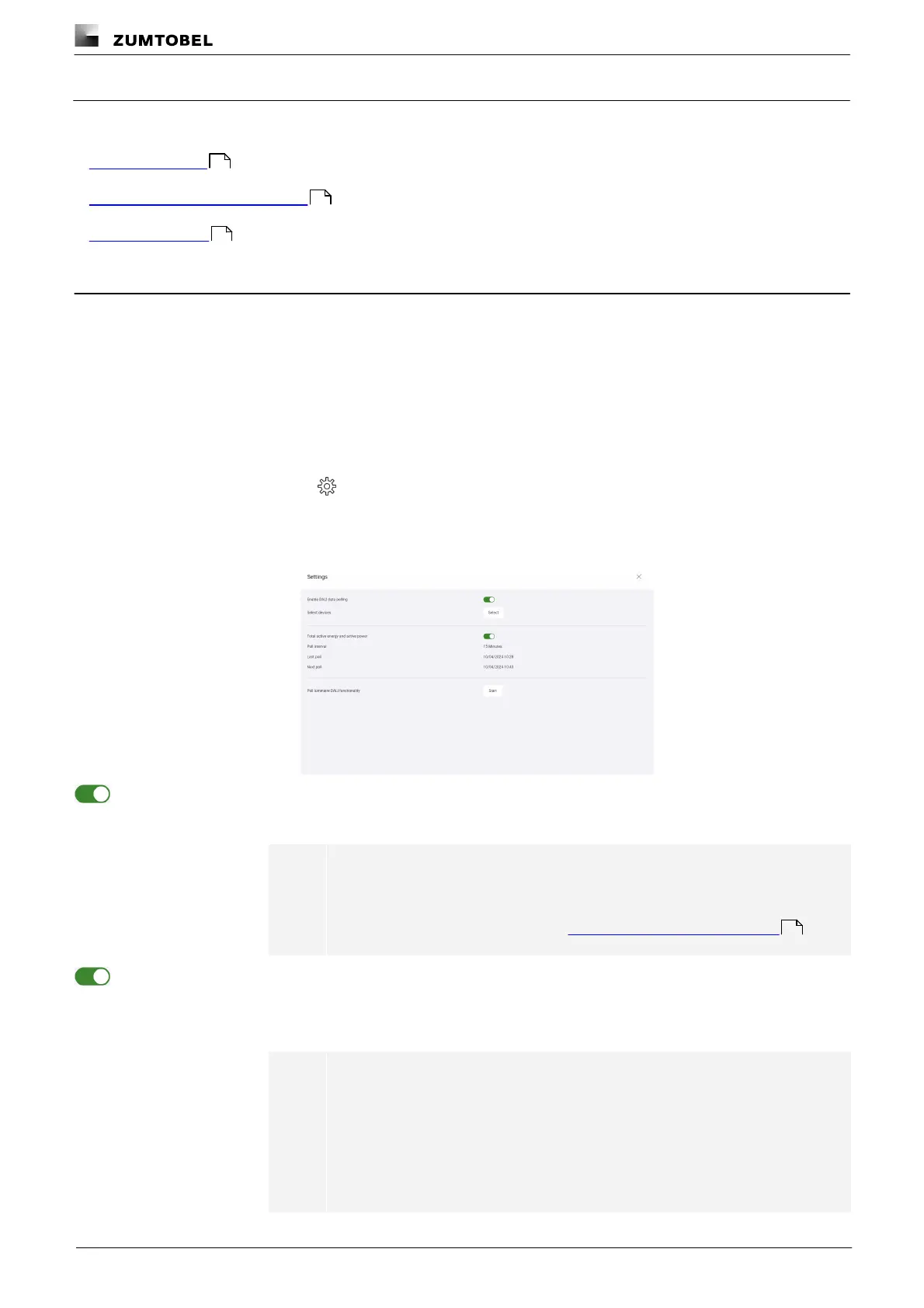
ÜThe Settings view is displayed.
2. Enable the Enable DALI data polling option.
ÜDALI data is polled.
Note
The properties polled and the frequency of polling are defined in the DALI
data profile.
For more information see Section Managing the DALI data profile
3. Enable the Total active energy and active power option if necessary.
ÜThe energy data is polled and accumulated every 15 minutes.
ÜThe timestamps of the last and the next poll are displayed.
Note
· This option must be enabled for the accumulated energy data to be
polled via the REST API & MQTT.
· If the Total active energy and active power option is enabled, the
interval cannot be changed. If this option is disabled, no accumulation
takes place, so the interval can be set in the DALI data profile.
153
155
157
155



 To Next Page