Configuration
LITECOM, Commissioning and maintenance instructions 17.0 | 04.2024 | en 155
Managing the DALI data profile
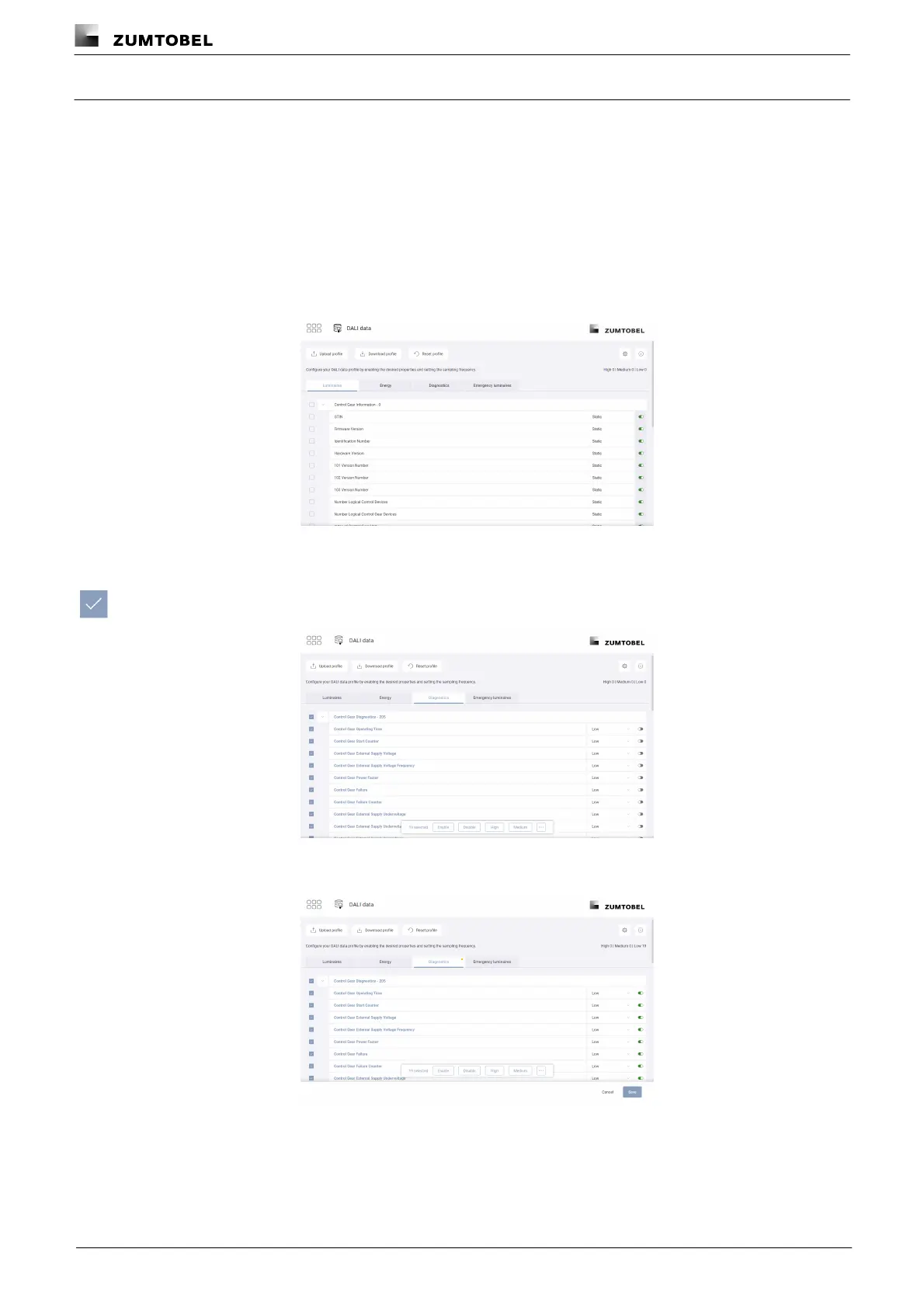
In the DALI data profile you can define the properties that are polled and made available via the REST API &
MQTT, as well as the frequency at which polling takes place. The frequency indicates the time between the end
of the last poll and the start of the next.
Enabling polling of properties
Path: App overview > DALI data
1. Navigate to the path.
ÜThe DALI data view is displayed.
2. Tap the tab (Luminaires, Energy, Diagnostics, Emergency luminaires) to view
the desired properties.
3. Enable the tick mark next to one or more properties.
ÜThe menu bar is displayed.
4. Tap the Enable button.
ÜPolling of properties is enabled.
5. Tap the relevant button (High, Medium, Low) to select the frequency of polling.
– or –



 To Next Page