Maintenance
LITECOM, Commissioning and maintenance instructions 17.0 | 04.2024 | en 160
11.2 Lock function
Your LITECOM system can be controlled using different display devices (computers, touch panel, mobile devices).
The LITECOM system can be locked against inadvertent or unauthorised operation by enabling the lock function.
The lock function must be set up separately for each display device. If the lock function is enabled, a prompt to
enter a password appears on any display device for which it has been enabled as soon as a user attempts to
operate the LITECOM system from the start page.
Path: App overview > Lock function
There are two ways to lock the start page: lock the start page one time and lock the start page permanently.
Locking the start page one time
Path: App overview > Lock function
1. Navigate to the correct page as indicated in the path.
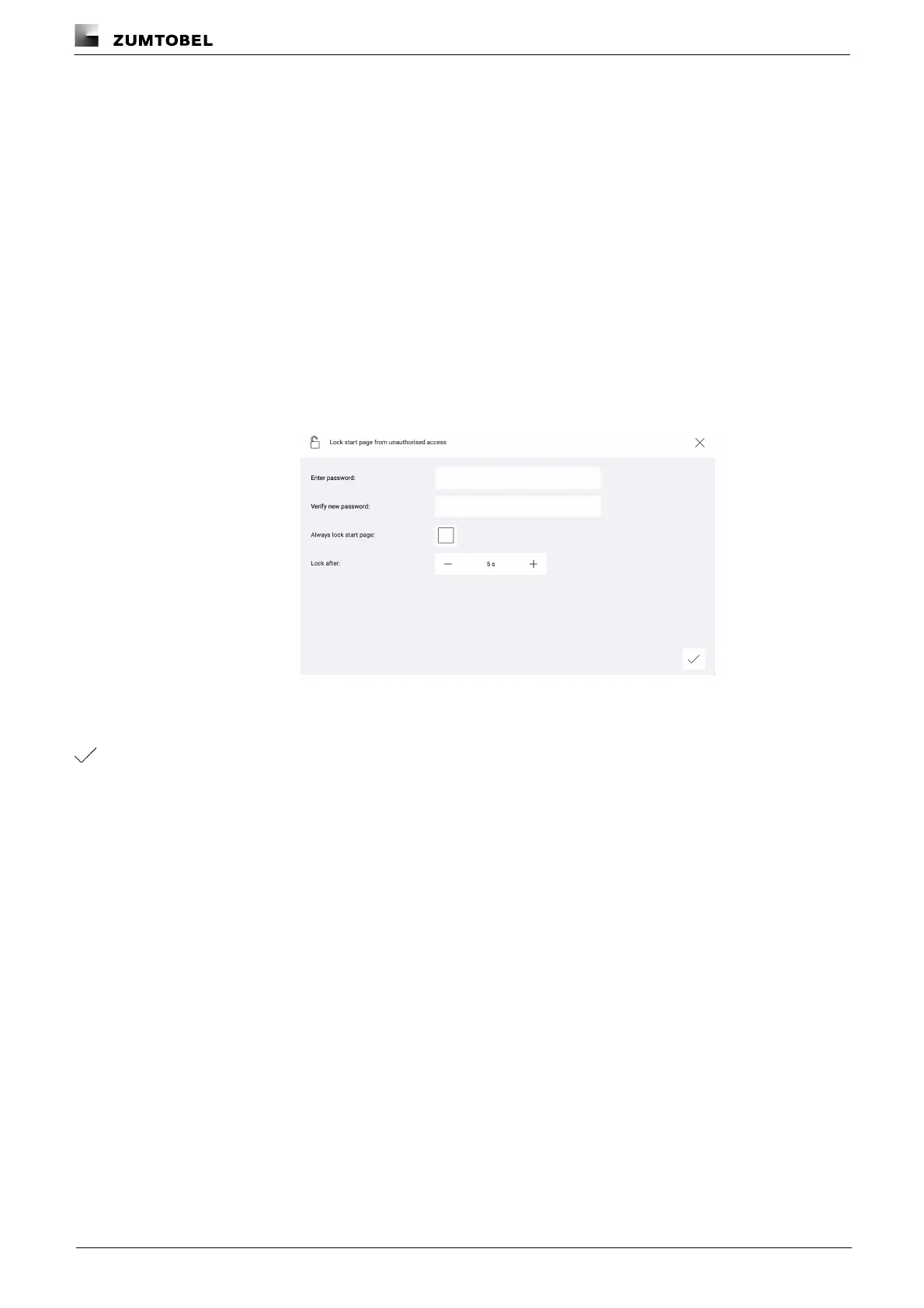
ÜThe Lock start page from unauthorised access view is displayed.
2. Enter the password.
3. Enter the password again in order to verify it.
4. Tap the tick mark.
ÜThe password is saved.
ÜThe start page reloads.
ÜOperation is only possible once the password has been entered.



 To Next Page