How to use these instructions
LITECOM, Commissioning and maintenance instructions 17.0 | 04.2024 | en 5
1 How to use these instructions
We are pleased that you have chosen this Zumtobel Lighting GmbH product. So that you can get the most from
these instructions, this section provides the following information:
· Signs and icons in these instructions
· Further information
· Target audience of these instructions
· Software version
Signs and icons in these instructions
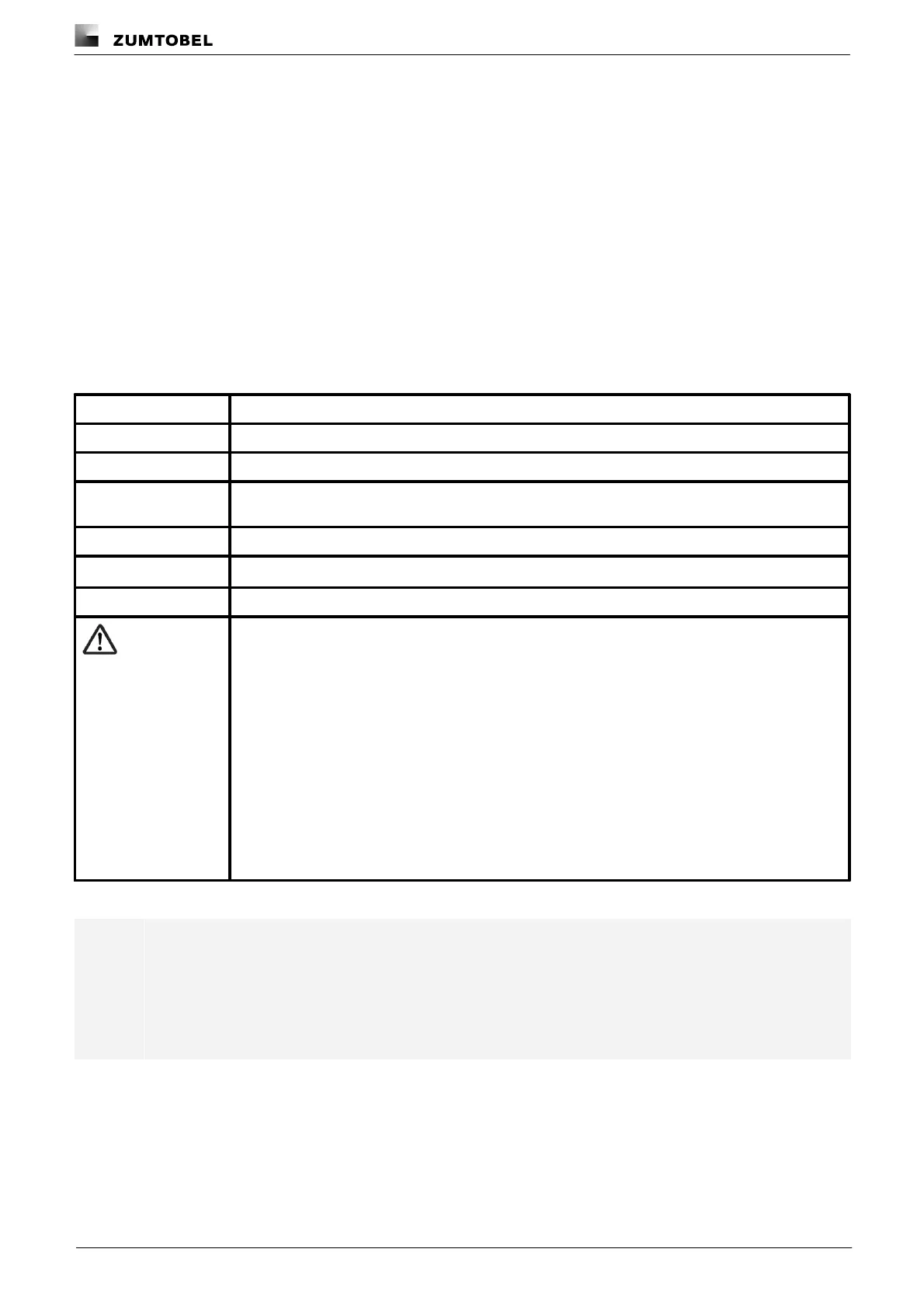
The following signs and icons are used in these instructions:
Individual steps in the instructions are numbered.
Single-step instructions are indicated by the w icon at the beginning of the line.
After a step has been described, a description of the expected results will follow. These results are
indicated by the Ü icon at the beginning of the line.
Requirements which need to be checked before carrying out a step are indicated by —.
Notes can be recognised by the i icon. In addition, notes are identified by the word Note .
Bold text indicates words that are shown on a device display or software user interface.
Danger and safety instructions are indicated by this icon. Safety and warning information is labelled
and classified using the following words:
indicates an immediate danger. This could lead to death or severe
injury if not avoided.
indicates a potentially dangerous situation. This could lead to death or
severe injury if not avoided.
indicates a potentially dangerous situation. This could lead to minor
injury or damage to property if not avoided.
indicates a situation involving potential damage. If it is not avoided, the
product or something in the vicinity may be damaged.
Table 1: Signs and icons in these instructions
Note
This manual contains path information which can be used to access the configuration options. The
path always starts from the app overview.
Example: “Path: app overview > Basic settings > Date and time” means that you should go to the
app overview, tap on Basic settings and then tap the Date and time button.



 To Next Page