Commissioning
LITECOM, Commissioning and maintenance instructions 17.0 | 04.2024 | en 51
9.6 Backing up data
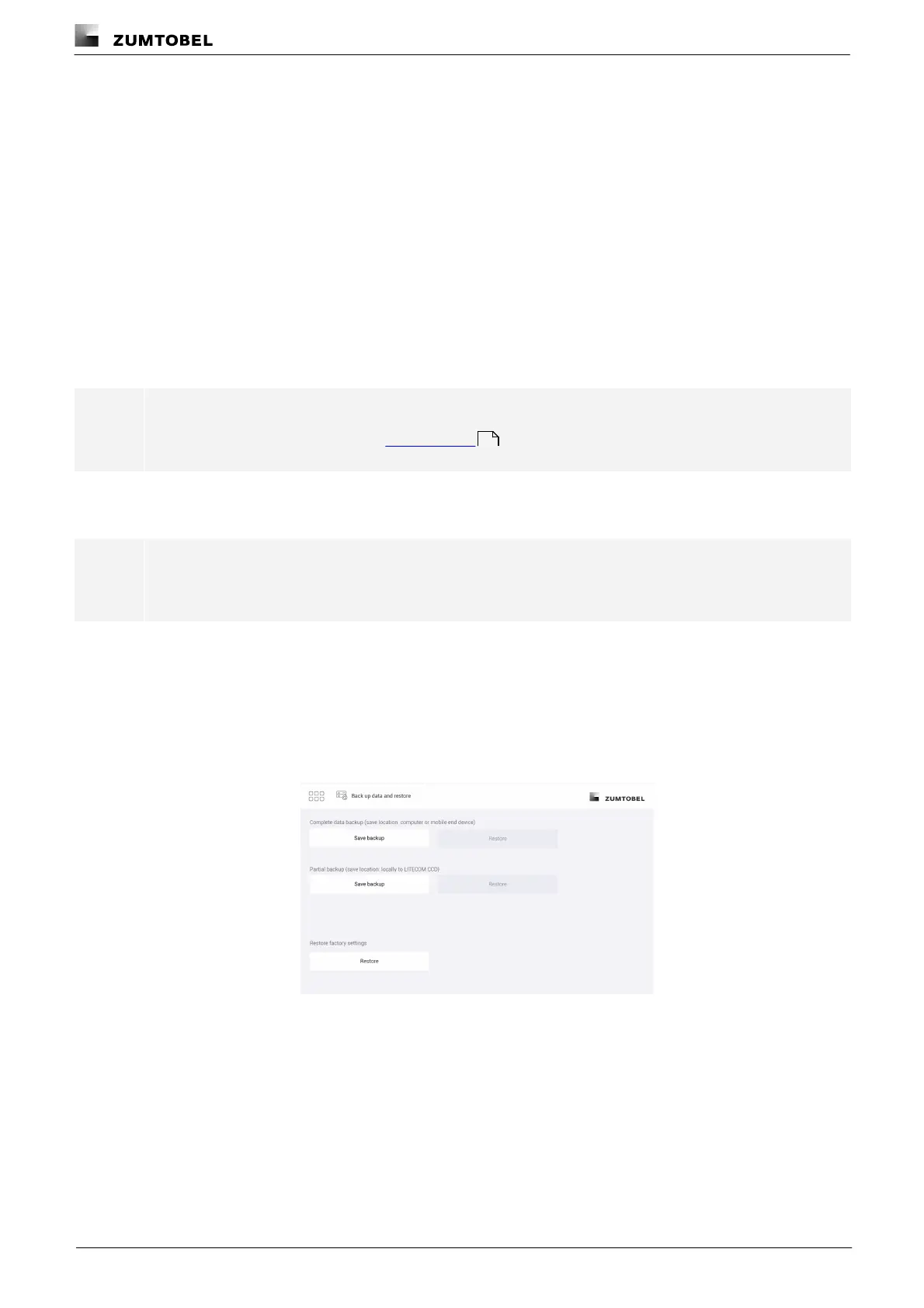
LITECOM offers different types of data backup: a complete data backup or a partial data backup.
· Complete data backup: the complete data backup is saved on the computer or on a mobile device and
contains more information than a partial data backup. The complete data backup provides the advantage of
being able to restore the data of the LITECOM system in full if data loss occurs (e.g. due to a faulty
LITECOM CCD control device).
· Partial data backup: the partial data backup is saved locally on the LITECOM CCD and only includes the
configuration of the LITECOM system (e.g. system image, scenes, conditional scene recall, presence linking). It
is suitable for restoring a previous version of the system after a reconfiguration.
We therefore recommend storing a complete data backup on your computer once commissioning is finished.
Path: App overview > Data backup
Note
For more information see Section Data backup
Backing up data (complete data backup)
Note
This function is not supported by display devices with iOS operating systems.
Requirement:
— LITECOM CCD control device and computer are connected via an Ethernet cable.
Path: App overview > Data backup
1. Navigate to the path.
ÜThe Back up data and restore view is displayed.
169



 To Next Page