Commissioning
LITECOM, Commissioning and maintenance instructions 17.0 | 04.2024 | en 30
9.1 Connecting to the LITECOM CCD for the first time
Step 1: configure the administrator for the first time
Note
Skip steps 1 and 2 if you are performing the initial configuration of the administrator after updating
the software, resetting to factory settings or loading a data backup.
1. Open a browser.
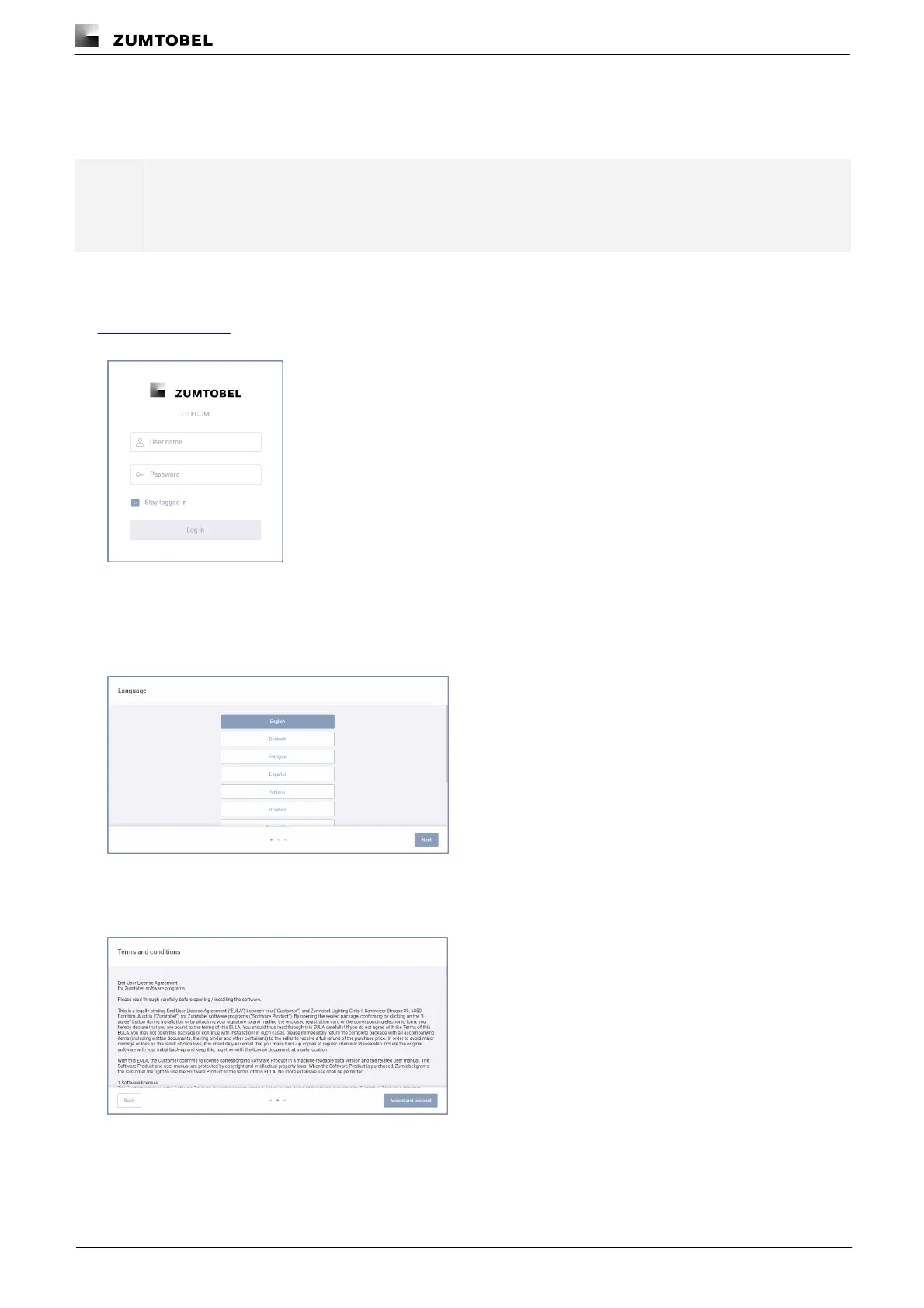
2. In the browser, navigate to the following default IP address of the LITECOM CCD:
http://10.10.40.254
ÜThe login screen is displayed.
3. Enter the user name admin.
4. The Password field must be kept blank.
5. Tap the Log in button.
ÜThe Language view is displayed.
6. Select the language.
7. Tap the Next button.
ÜThe Terms and conditions view is displayed.
8. Read the terms and conditions.



 To Next Page