Commissioning
LITECOM, Commissioning and maintenance instructions 17.0 | 04.2024 | en 31
9. Tap the Accept and proceed button.
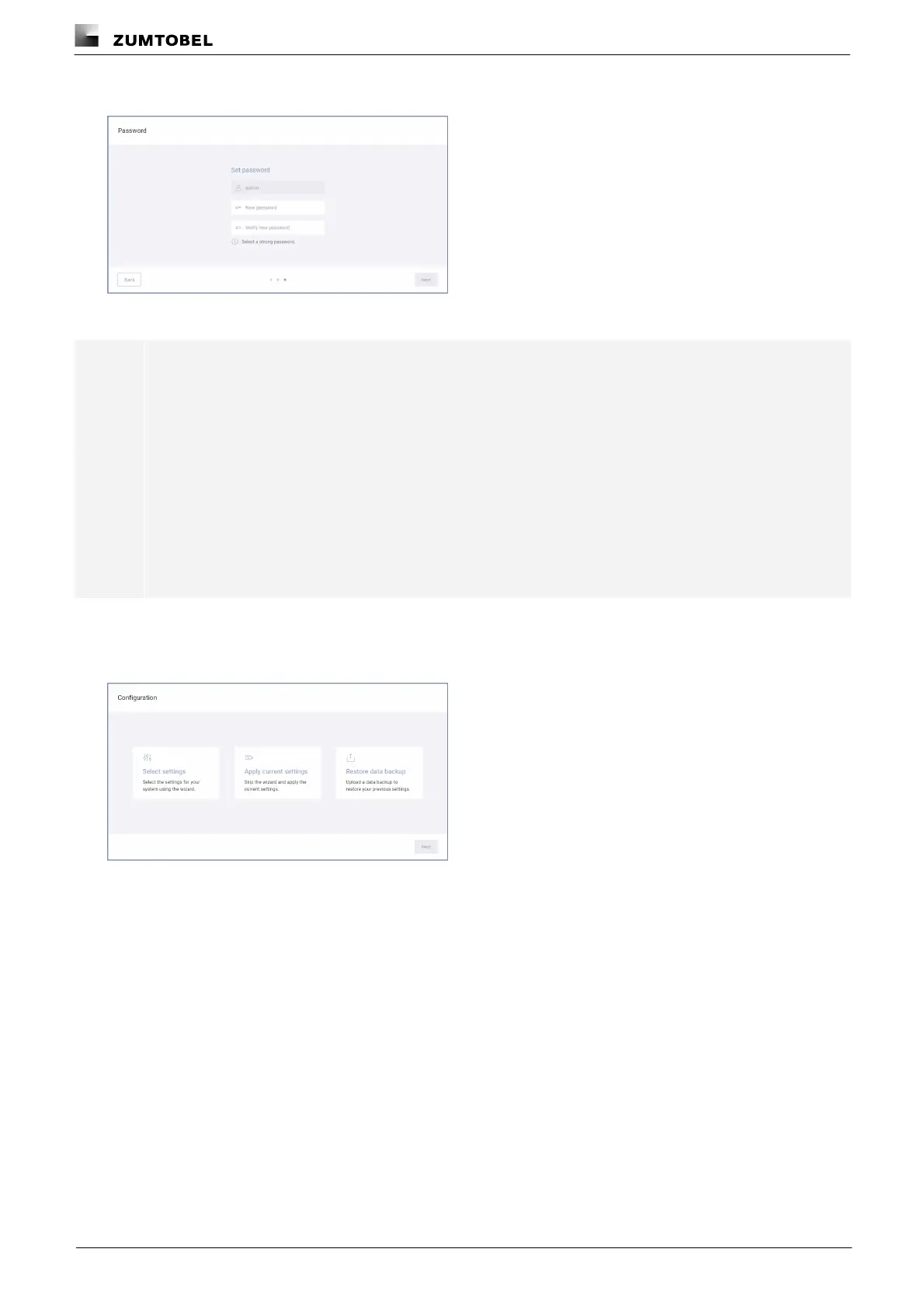
ÜThe Password view is displayed.
10.Enter a new password.
Note
The password must meet the following requirements:
· The password has at least 8 characters.
· The password contains characters from at least 3 of the following categories:
o Uppercase letters: A–Z; Latin Alphabet
o Lowercase letters: a–z; Latin alphabet
o Numbers: 0–9
o Special characters: '-!"#$%&()*,./:;?@[]^_`{|}~+<=>
11.Enter the password a second time to confirm.
12.Tap the Next button.
ÜThe Configuration view is displayed.



 To Next Page