Configuration
LITECOM, Commissioning and maintenance instructions 17.0 | 04.2024 | en 71
Enabling an external security certificate
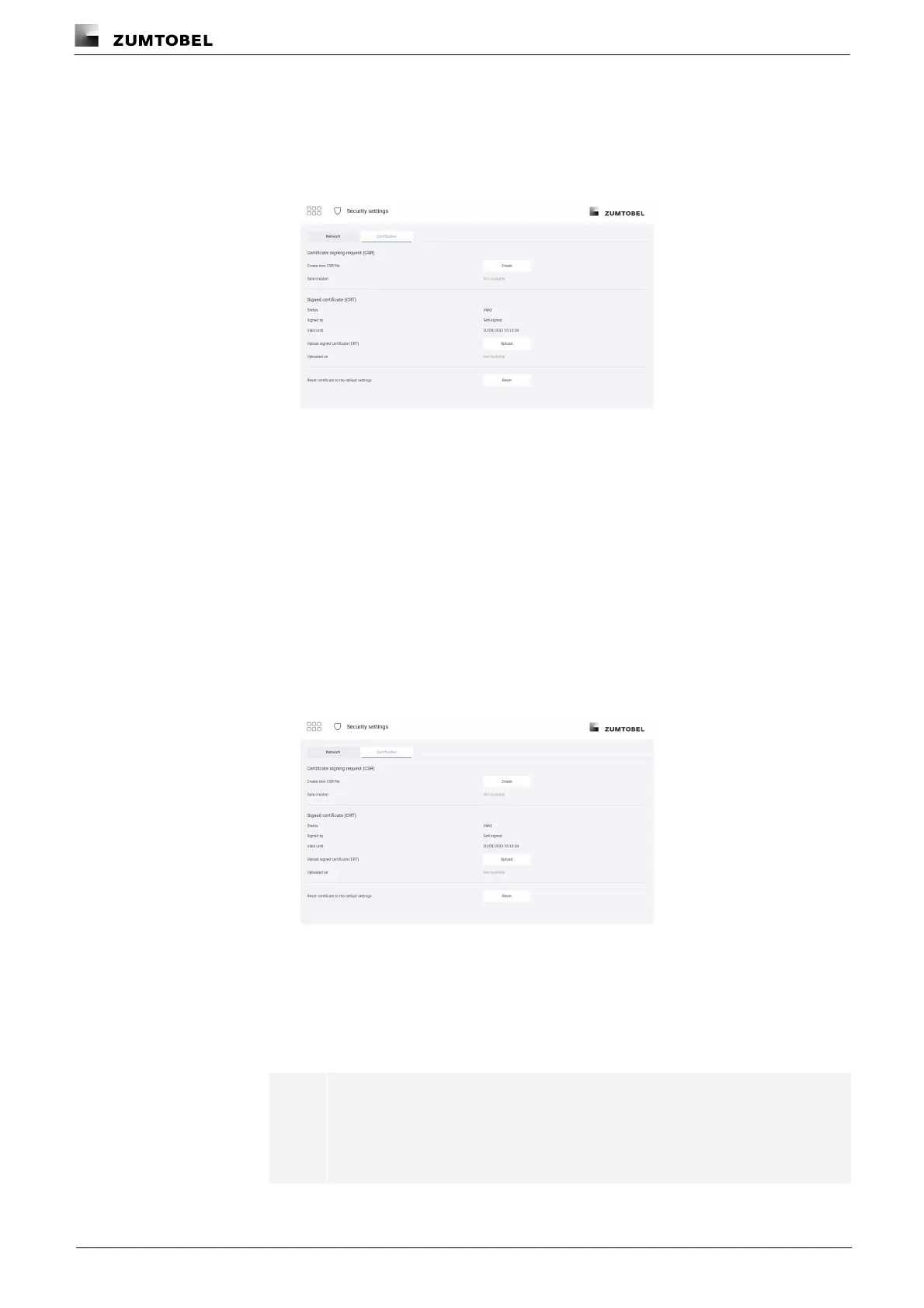
Path: App overview > Security settings > Certificates
1. Navigate to the path.
ÜThe Certificates view is displayed.
2. Tap the Upload button.
3. Select and upload the signed certificate.
ÜThe signed certificate is being uploaded... view is displayed.
4. Tap the Reload button.
ÜThe web application reloads.
ÜThe start page appears.
Resetting to a self-signed certificate
Path: App overview > Security settings > Certificates
1. Navigate to the path.
ÜThe Certificates view is displayed.
2. Tap the Reset button.
ÜThe Reset certificate settings view is displayed.
3. Tap the Reset button.
ÜThe web application reloads.
ÜThe start page appears.
Note
Tapping Reset deletes ongoing signing processes and replaces existing
certificates with a self-signed certificate. The self-signed certificate is valid
for ten years from issue.



 To Next Page