Configuration
LITECOM, Commissioning and maintenance instructions 17.0 | 04.2024 | en 94
Configuration options
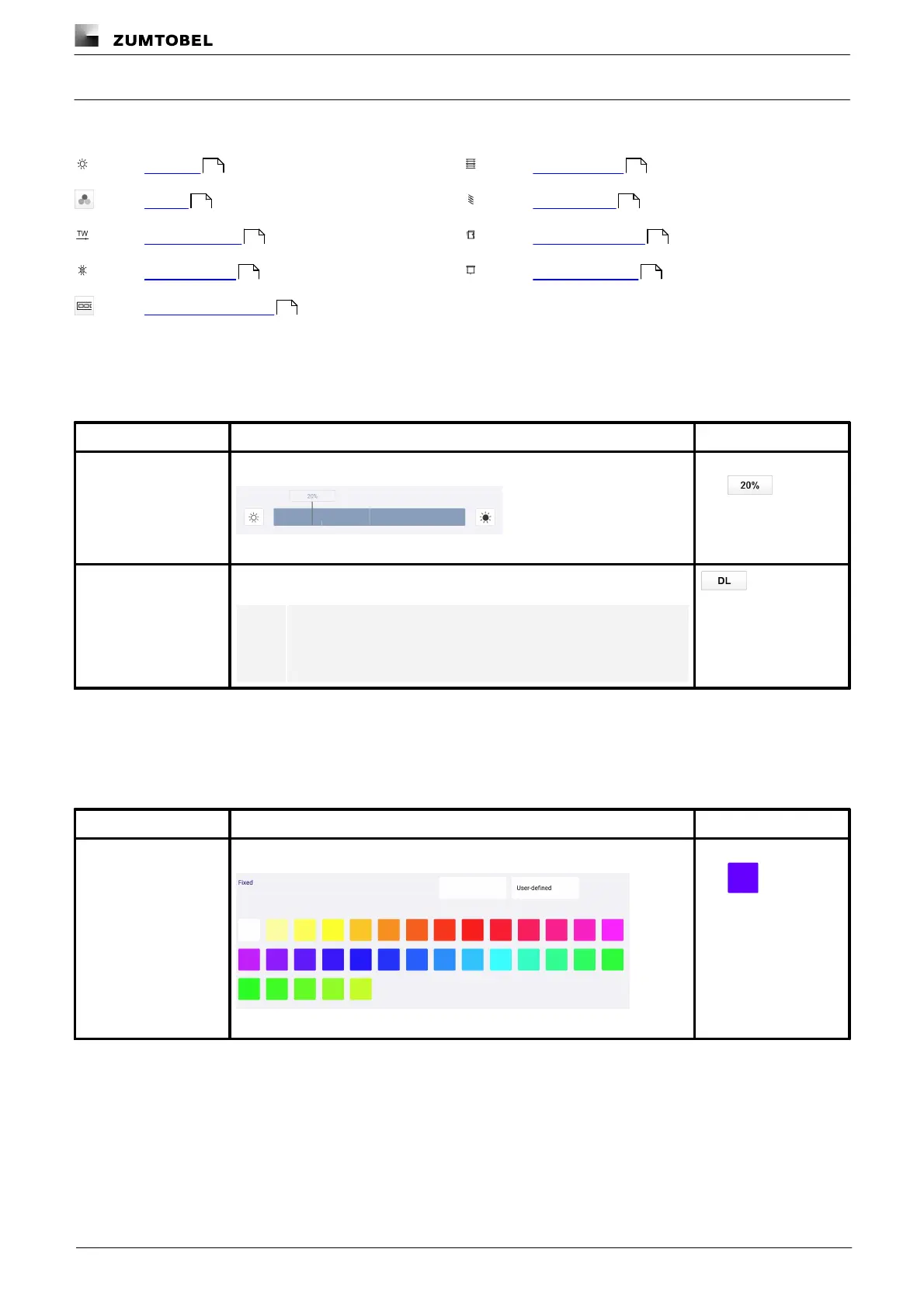
The following tables provide a description of the individual configuration options:
Intensity
Configurable for: standard luminaires, RGB luminaires, Balance luminaires, TW luminaires, SEQUENCE infinity
A fixed intensity is applied when the scene is recalled.
Figure 16: Configure scene – extract: fixed intensity
The intensity is controlled via daylight linking when the scene is recalled.
Note
More information: Manual Daylight linking
Table 48: Configuration options – intensity
Colour
Configurable for: RGB luminaires
A fixed colour is applied when the scene is recalled.
Figure 17: Configure scene – extract: fixed colour
Table 49: Configuration options – colour
94 97
94 97
96 94
96 98
96



 To Next Page