Configuration
LITECOM, Commissioning and maintenance instructions 17.0 | 04.2024 | en 96
Tunable White
Configurable for: TW luminaires
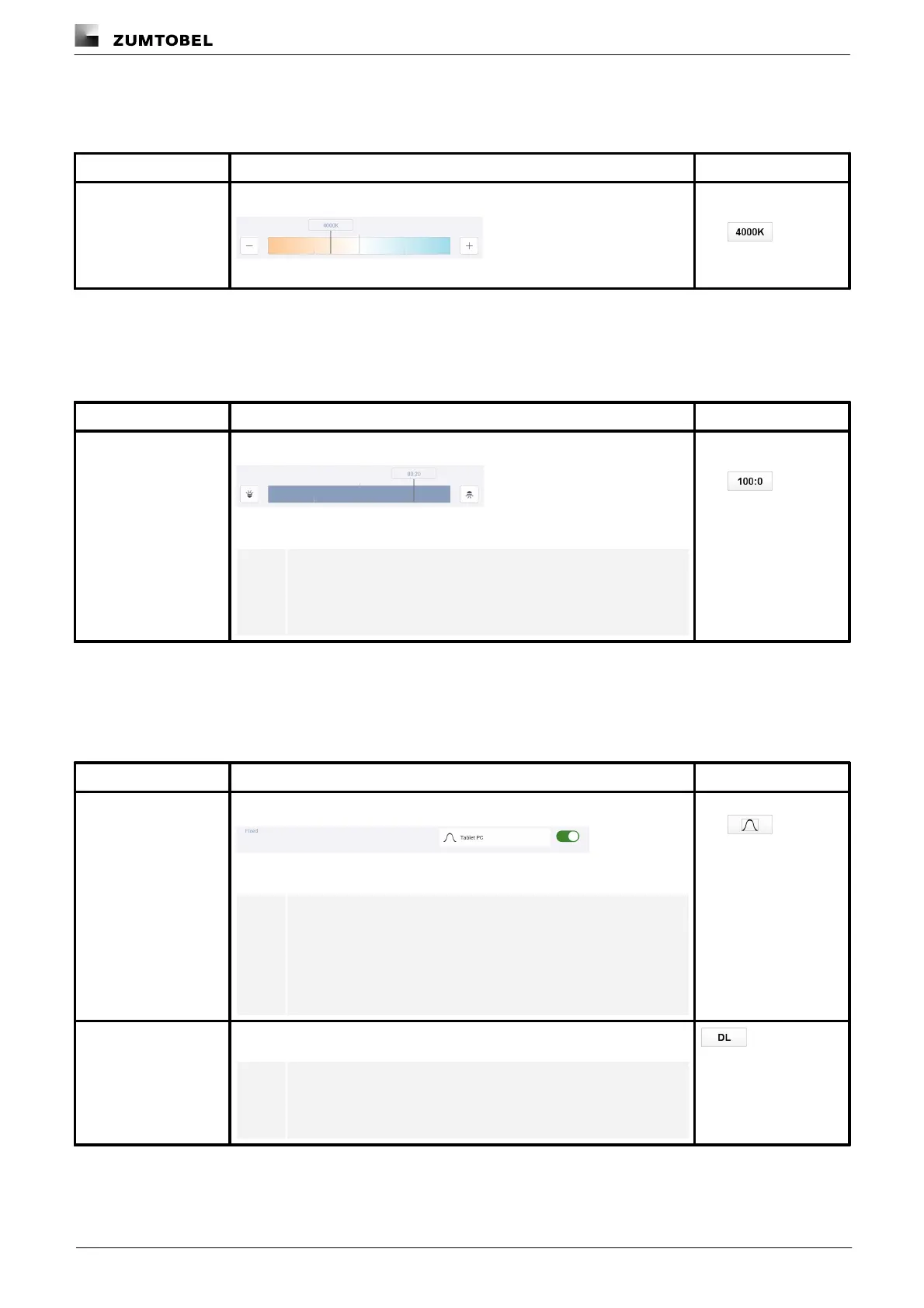
A fixed colour temperature is applied when the scene is recalled.
Figure 18: Configure scene – extract: fixed colour temperature
Colour temperature in
kelvin,
e.g.
Table 50: Configuration options – Tunable White
Light balance
Configurable for: Balance luminaires
A fixed light balance is applied when the scene is recalled.
Figure 19: Configure scene – extract: fixed light balance
Note
The left value indicates the proportion of direct lighting; the
right value indicates the proportion of indirect lighting.
Ratio
Direct : Indirect;
e.g.
Table 51: Configuration options – light balance
SEQUENCE infinity
Configurable for: SEQUENCE infinity
A specific pattern is applied when the scene is recalled.
Figure 20: Configure scene – extract: fixed pattern
Note
As soon as the button for selecting the pattern is tapped, the
Configure pattern view appears. You have the same
configuration options as in the SEQUENCE infinity app.
For more information see Special luminaires manual
Preview of the pattern;
e.g.
The pattern is controlled via daylight linking when the scene is recalled.
Note
For more information see Daylight linking manual
Table 52: Configuration options – SEQUENCE infinity



 To Next Page