Configuration
LITECOM, Commissioning and maintenance instructions 17.0 | 04.2024 | en 98
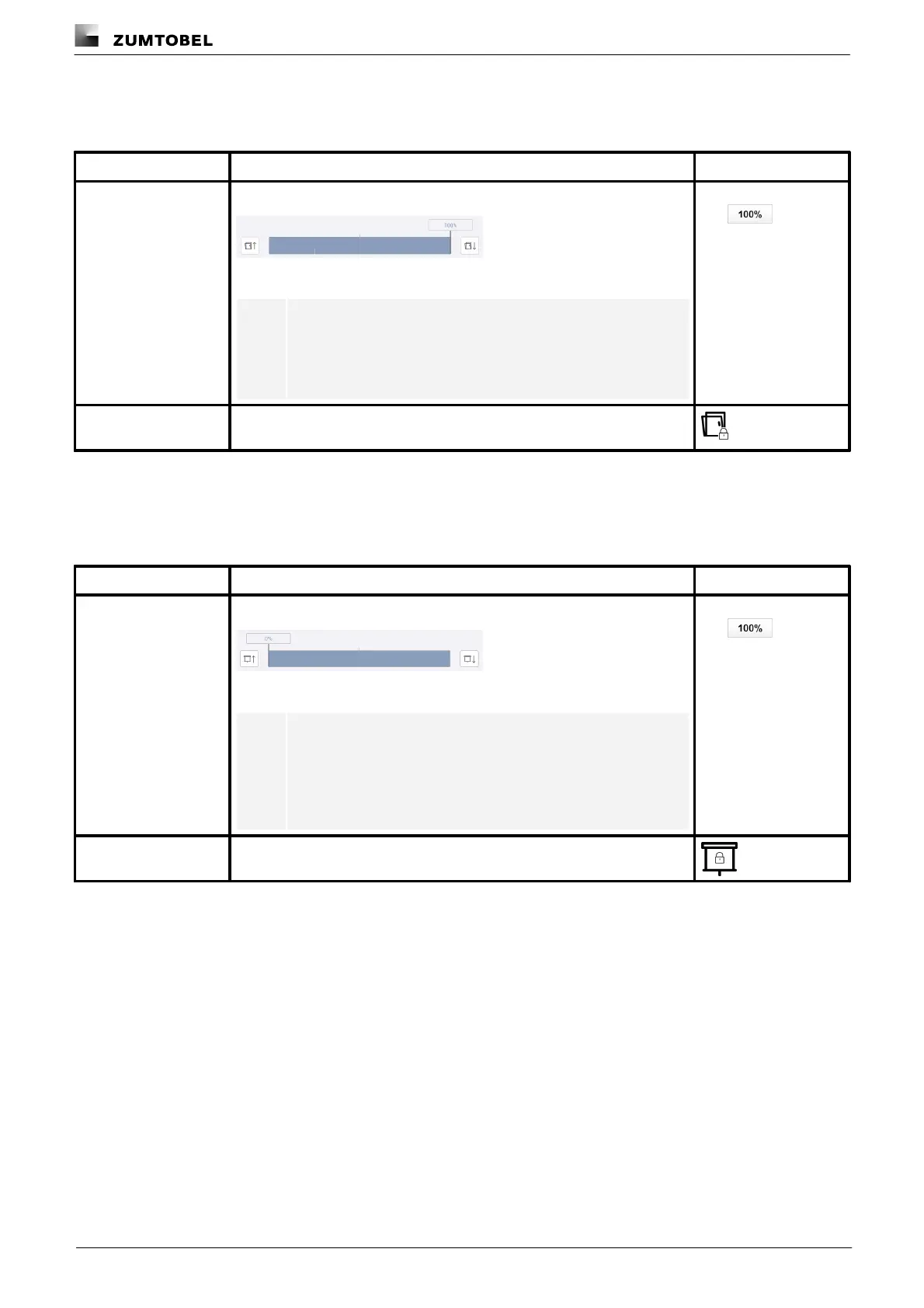
Window position
Configurable for: window
A fixed window position is applied when the scene is recalled.
Figure 23: Configure scene – extract: fixed window position
Note
· Window position 0%: the window is closed.
· Window position 100%: the window is open.
Window position in %,
e.g.
The window does not move with a scene recall. The window position can
still be changed manually.
Table 55: Configuration options – Window position
Screen position
Configurable for: screens
A fixed screen position is applied when the scene is recalled.
Figure 24: Configure scene – extract: fixed screen position
Note
· Screen position 0%: the screen is up (upper end position).
· Screen position 100%: the screen is down (lower end
position).
Screen position in %,
e.g.
The screen does not move with a scene recall. However, the screen
position can still be changed manually.
Table 56: Configuration options – Screen position



 To Next Page